

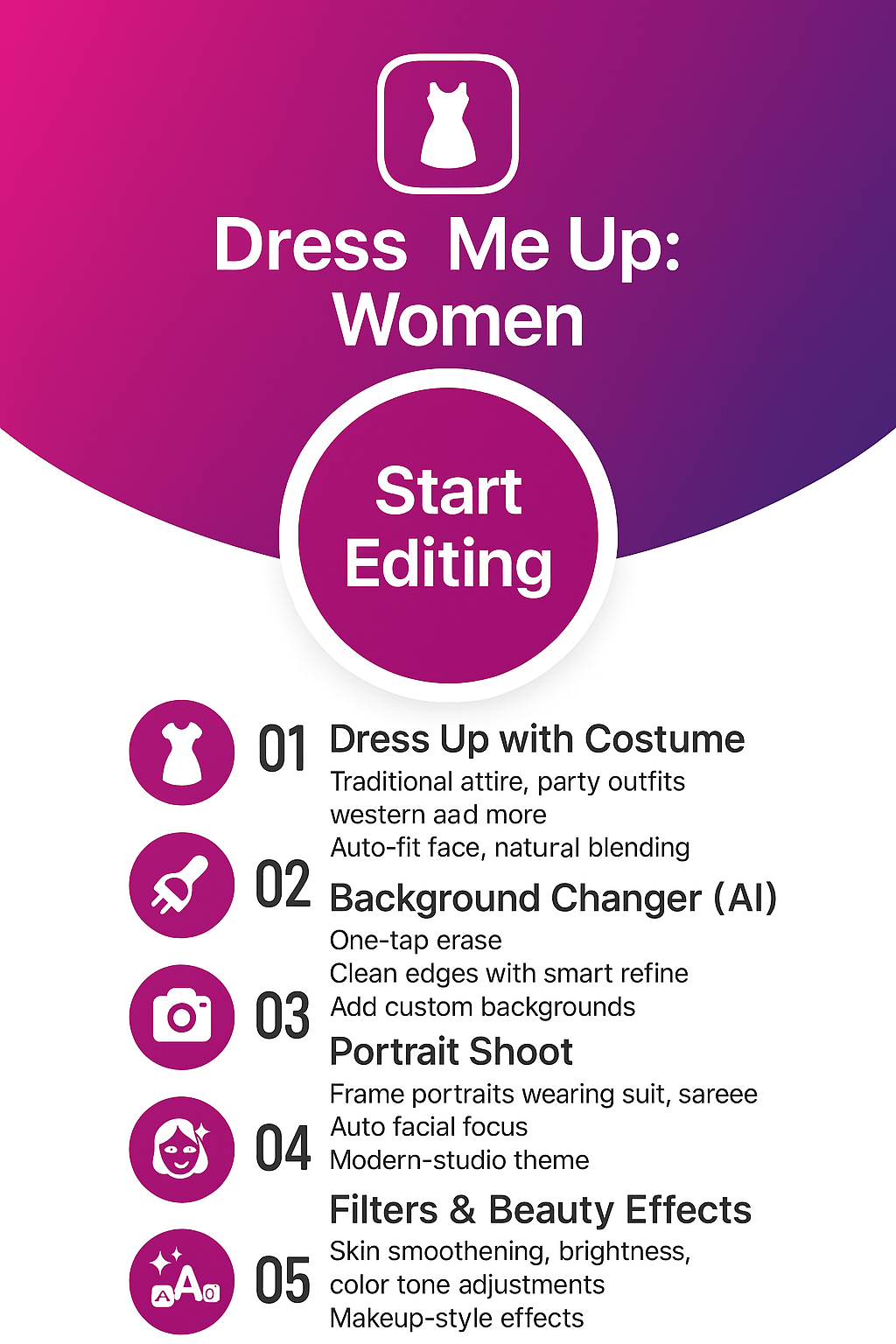
Dress Me Up: Women – Dress Change Photo Editor for Wedding Suits and Western Dresses
Try beautiful wedding suits, bridal dresses, western outfits and party wear in one dress change photo editor. Crop your selfie, erase the background with smart tools, cut-paste your face into stylish women dresses, enhance with filters, stickers and text, then share stunning fashion photos on social media from your Android phone.
- Dress change photo editor for girls and women
- Wedding suits, bridal dresses and traditional outfits
- Western dresses, short dresses and party wear looks
- Background eraser, cut-paste and change background tools
- Filters, stickers, accessories and text captions
About Dress Me Up: Women by FormationApps
Dress Change Photo Editor for Android – Wedding Suits, Western Dresses and Fashion Looks
Dress Me Up: Women is a dress change photo editor for girls and women who love trying new outfits on photos. Start with a selfie, crop your face, erase the background and place yourself into beautiful wedding suits, bridal dresses, western outfits and trendy party wear. The app includes background eraser, cut-paste, filters, stickers and text tools so you can design fashion-ready photos for social media in a few taps. Explore more creative editors from FormationApps such as Formal Men Photo Suit editor, Women Traditional Dresses editor and other Android photo suit and photo editor apps.
Women Dress Library
Browse wedding suits, bridal dresses, western dresses, short dresses and traditional outfits in multiple colors so you can test different fashion looks before a photoshoot or event.
Background Eraser & Cut-Paste
Use auto erase, repair and zoom tools to cut out your face cleanly, then paste it into wedding scenes or stylish backgrounds for a more realistic dress change effect.
Filters, Stickers & Text
Enhance your women dress photos with trendy filters, beauty-style adjustments, fashion stickers, emojis and stylish text captions that make every outfit post-ready.
Easy Fashion Editing on Android
Designed for Android users who want quick dress change editing, simple sliders and touch controls make it easy to align faces, switch outfits and share fashion photos on WhatsApp, Instagram and other apps.
Dress Me Up: Women Features
Discover how Dress Me Up: Women turns your selfies into fashion-ready photos. This dress change photo editor for girls and women lets you crop your face perfectly, erase and replace backgrounds, try on wedding suits, western dresses and traditional outfits, then finish with filters, stickers and text for social media.

Dress Me Up with Smart Crop
Start every fashion edit with a clean crop so your face fits naturally inside wedding suits or western dresses.
Take a selfie or pick a gallery photo, then crop using freehand, oval, round, square or triangle shapes to highlight your face and shoulders. This helps the app place you correctly inside women dresses and party wear outfits, reducing manual adjustments and giving more realistic dress change results.
- Face-focused crop shapes for bridal, western and casual looks
- Easy pinch-to-zoom and rotate for perfect framing
- Clean edges that blend better with every dress template

Background Eraser with Auto, Erase, Repair and Zoom
Remove messy backgrounds and keep only your face and body for cleaner dress try-ons.
Use Auto mode for quick cutouts, then switch to Erase and Repair for precise touch-up around hair and shoulders. Zoom in to refine tiny areas and avoid rough borders. After erasing, you can add studio-style backdrops, wedding hall scenes or soft gradients that match your women dress style.
- Auto detection plus manual brush control for detailed edges
- Repair tool to fix over-erased parts in seconds
- Zoom in and out for pixel-level background cleaning

Cut-Paste and Change Background for Fashion Scenes
Place yourself into wedding venues, party locations or simple studio walls with a few taps.
Once your face is cropped and the background is erased, use cut-paste to move your image into new scenes. Drag, rotate and resize to align with bridal dresses, traditional suits or western outfits. Combine with built-in backgrounds or your own gallery photos to create unique fashion edits and virtual photoshoots.
- Seamless cut-paste for brides, party looks and casual styles
- Option to add custom backgrounds from your gallery
- Natural blending so dress and background look like one picture

Filters, Stickers, Text and Before/After View
Finish every outfit with a stylish look and see your transformation side by side.
Apply soft beauty filters, warm or cool tones and dramatic effects that make your wedding suits and western dresses stand out. Add stickers like hats, glasses, jewelry and fun emojis, then write captions or quotes on your image. Use the before/after comparison to check your original photo against the final dress change result before saving or sharing.
- Fashion-ready filter styles for selfies and full-body dress photos
- Accessories, emojis and decorative stickers for extra flair
- Before/after slider to review your complete transformation
Gallery — Dress Change Looks, Wedding Suits & Western Dresses
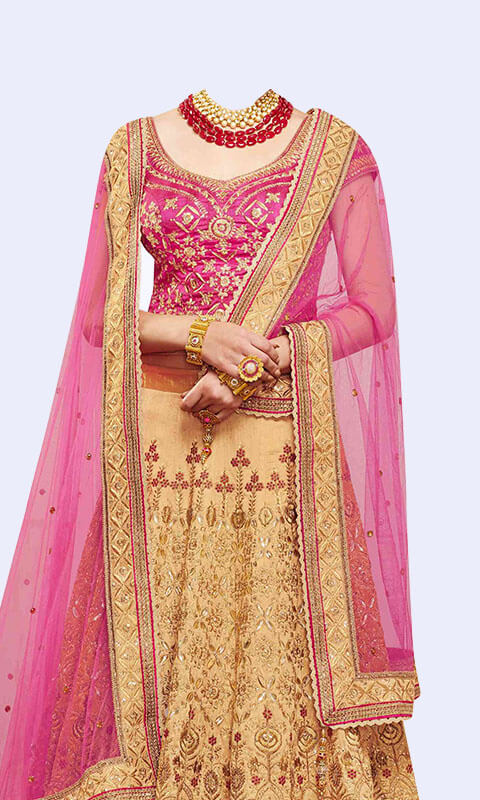
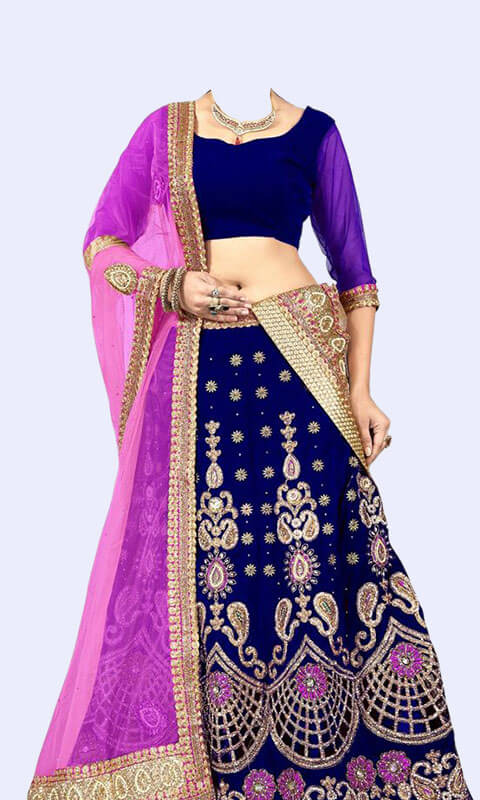
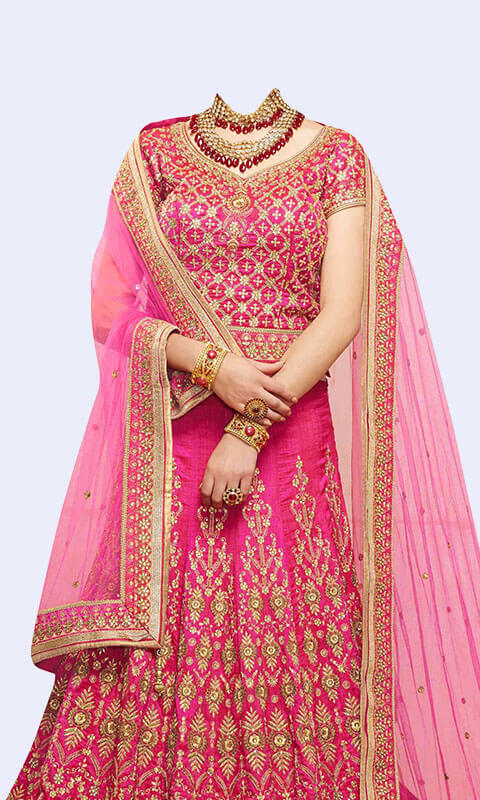
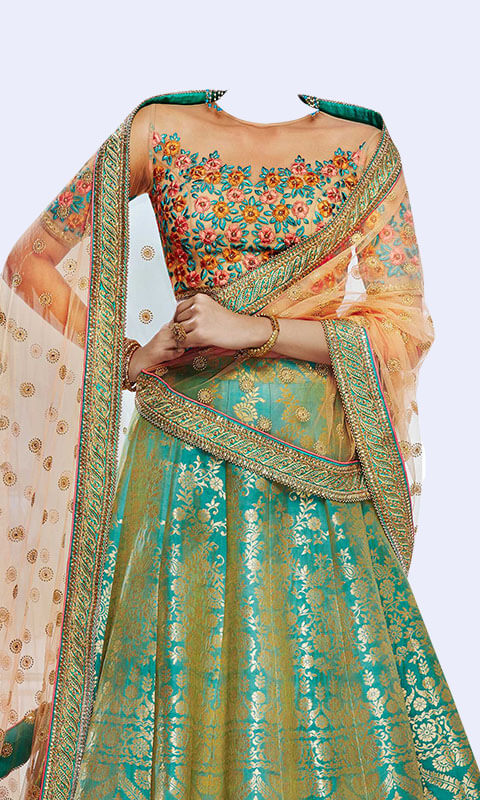
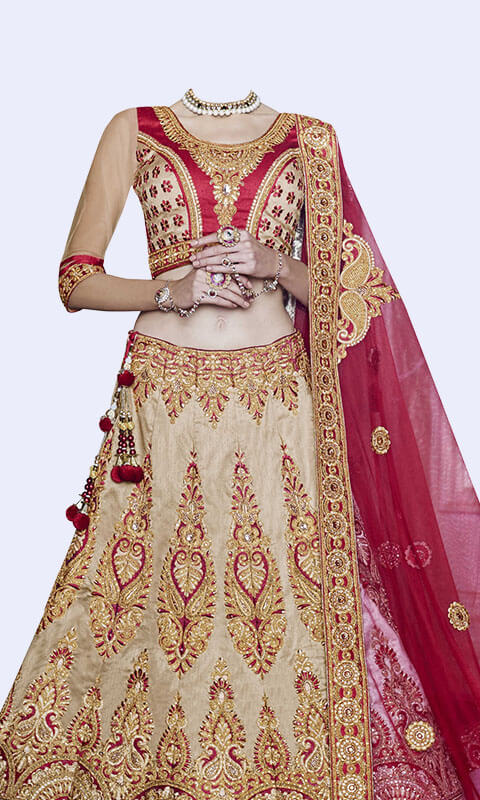
Explore sample edits created with Dress Me Up: Women. See how simple selfies turn into bridal portraits, wedding suit photos, western dress looks and traditional outfit shots using the dress change photo editor. The gallery highlights background eraser results, cut-paste scenes, stylish filters, stickers, accessories and text so you can imagine your own fashion transformations before downloading the app.
User Reviews & Testimonials — Dress Me Up: Women
See what users love about Dress Me Up: Women — the dress change photo editor designed for girls and women who enjoy trying new fashion looks. From wedding suits and bridal dresses to western outfits and traditional styles, the app makes it effortless to crop your face, erase backgrounds, apply filters, use stickers and switch between outfits in seconds. Users appreciate how realistic the dress try-ons look and how easily they can share their fashion edits on Instagram, WhatsApp and Facebook. Discover why Dress Me Up: Women is a top-rated photo suit editor on Android.

Priya Sharma
Dress Me Up: Women
Dress Me Up: Women is honestly the best dress change photo editor I’ve used! I tried a few bridal dresses and the background eraser cleaned my edges perfectly. The western dresses also look super realistic. Sharing directly on Instagram was so easy. Love this app!

Lauren Smith
Dress Me Up: Women
I used this app to try on different wedding suits before my pre-wedding photoshoot and the results were amazing. The cut-paste tool and filters make every picture look professional. Highly recommend it for girls who love fashion edits!

Nisha Patel
Dress Me Up: Women
The variety of women’s dresses in this app is insane — bridal, western, party wear, everything! The crop tool fits my face perfectly and the before/after feature lets me see the full transformation. My friends thought the photos were real!

Jessica Kim
Dress Me Up: Women
Great app for quick fashion try-ons. I edited a few saree and suit photos and the background change feature worked flawlessly. Stickers and text options are fun, and the quality stays HD after saving. Absolutely worth it!

Seema Patel
Dress Me Up: Women
Dress Me Up: Women made editing so simple. I used the app to check different outfit ideas for an event and the results looked super natural. Western dress templates are my favorite. The app is fast, smooth and perfect for social media photos!
Frequently Asked Questions
Find quick answers about Dress Me Up: Women — a dress change photo editor for girls and women. Learn how to try wedding suits and western dresses, use the background eraser and cut-paste tools, work offline, manage outfits, add stickers and text, and contact FormationApps support if you need help.
Dress Me Up: Women is free to download from Google Play and you can start editing photos immediately without creating an account. Some extra dress packs, backgrounds and sticker sets may be offered as optional in-app purchases. You only need an account later if you want to back up purchases or sync content across devices.
Open the app and choose a selfie or gallery photo, then crop your face with the built-in crop tool. Pick a wedding suit, bridal dress, western outfit or traditional suit from the dress library and place your face in the frame. Use move, rotate and scale controls to match the neck and shoulders, then refine edges with the background eraser or cut-paste tool for a realistic dress change result.
The background eraser in Dress Me Up: Women includes Auto, Erase, Repair and Zoom modes, designed to work well around hair, earrings and fine details. You can zoom in to clean the outline and switch between erase and repair brushes if you remove too much by mistake. This helps your face blend smoothly into bridal dresses, western dresses and other outfits.
Yes, most editing tools in Dress Me Up: Women work offline after the app and dress packs are downloaded. You can crop, erase backgrounds, cut-paste, change dresses, apply filters and add stickers without an active internet connection. You only need internet for installing updates, downloading new content or sharing finished photos online.
The app offers a mix of wedding suits, bridal lehenga style dresses, saree and traditional suits, western dresses, short dresses and party wear outfits. Outfits come in various colors and patterns so you can test multiple looks before a real event, photoshoot or online profile update.
Yes, after you match your face with a dress you can apply fashion filters, add emojis, decorative stickers, hats, glasses and jewelry overlays. You can also type captions, quotes or names directly on the image to make your wedding or western dress photos more personal before saving or sharing.
Dress Me Up: Women is optimized for popular Android phones and generally works well on mid-range and entry-level devices. For the best performance, keep some storage free, close heavy background apps and use the latest version of the app from Google Play. If your device meets the basic Play Store requirements, the dress change editor should run smoothly.
If you face an issue, use the in-app Help and Support option or the site contact form and include your device model, Android version, app name and version, and a short description or screen recording of the problem. You can also email the FormationApps team at care.formationapps@gmail.com for additional help.
Contact
Questions, feedback, or partnership ideas? We’d love to hear from you.
Address
India • Serving users worldwide
Support Hours
Mon-Sat, 10:00-18:00 IST
Email Us
For bug reports, include device model, Android version & app version.