

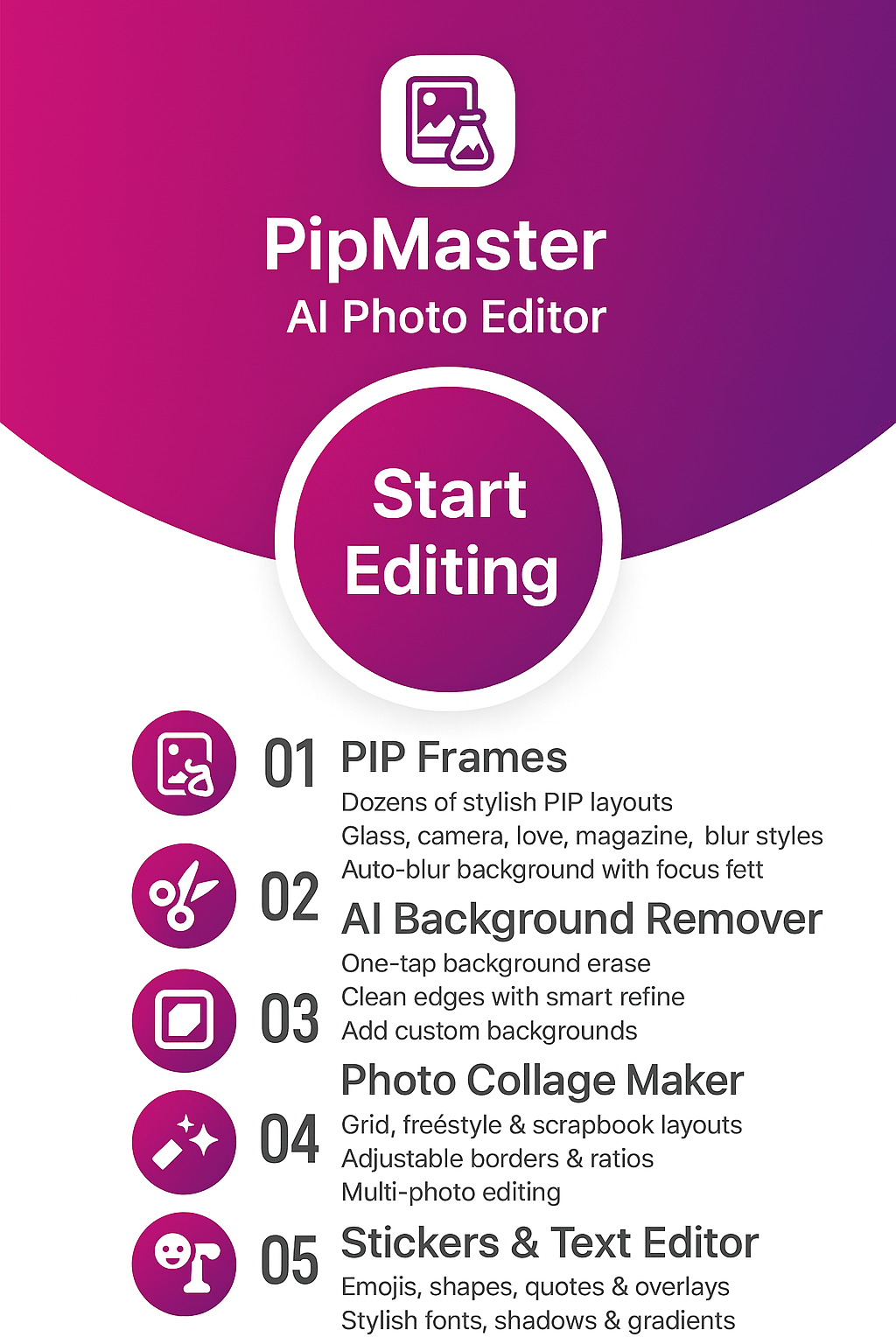
PipMaster: AI Photo Editor — PIP Frames, Magazine Templates & Collage Maker
Create eye-catching PIP photos in seconds: choose a magazine-style layout, snap or import a selfie, then enhance with filters, overlays, stickers, and custom backgrounds. Share HD edits instantly—powered by FormationApps.
- PIP Frames & Artistic Layouts
- Magazine Photo Editor
- Collage Maker & Grid Styles
- Filters, Overlays & Stickers
- Customizable Backgrounds
About PipMaster by FormationApps
AI Photo Editor for Android — PIP Frames, Magazine Templates & Collage
PipMaster: AI Photo Editor brings fast, creative editing to Android — build eye-catching PIP photos, magazine-style layouts, and collages with filters, overlays, stickers, and customizable backgrounds. Try more from FormationApps too: men photo suits, women traditional dresses, background eraser, and advanced AI effects.
AI Effects & Filters
One-tap enhancements, portrait retouch, sky/scene restyle, and creative looks tuned for social sharing.
Background Remover
Smart cutout with edge refinement, blur & replace — perfect for clean profile photos and product shots.
Magazine Photo Editor
Exclusive magazine templates: pick a style, add photos, and export a share-ready cover in seconds.
PIP & Collage Maker
Create picture-in-picture frames, grids and artistic layouts with stickers, text and overlays in minutes.
PipMaster Features
Discover why Android users love PipMaster: AI Photo Editor — create eye-catching PIP photos, magazine-style collages, and artistic edits with fast, beginner-friendly tools tuned for influencers, creators, and everyday users.

AI Effects & One-Tap Photo Enhancement
Revive dull images with our AI photo editor — face/scene detection for automatic exposure, tone and detail adjustments.
From beauty retouch and HDR lighting to dynamic color balance, apply trending looks like vintage film, sunset glow or studio portrait. Fine-tune brightness, contrast, tone and saturation without pro skills. Edits run locally for privacy and speed—even on mid-range Android phones.
- 100+ artistic filters & presets for portraits, travel and product shots
- One-tap auto-enhance with natural color tones
- Non-destructive editing with instant before/after

Background Remover & Smart Replace
Clean cutouts for profile pics, product shots and posters with our precise background eraser.
AI identifies people/objects for crisp separation. Blur, recolor or replace backdrops with studio walls, gradients or your own images. Refine edges (hair, fur) and add shadow/blur for DSLR-like depth of field.
- Auto & manual erase with zoom and feather control
- Replace with templates, solid colors, or export transparent PNG
- Built-in blur strength, shadow and light direction

Realistic Photo Suit Try-On
Experiment with stylish outfits virtually — from men’s formal suits and wedding tuxedos to traditional sarees and salwar suits.
Face alignment, perspective and shadow blending happen automatically. Move/rotate/resize for a perfect fit, then accessorize with ties, glasses or jewelry. Supports full-body, half-body and portrait frames.
- HD outfit library updated regularly
- Lighting & skin-tone match for seamless results
- Share to WhatsApp/Instagram/Facebook or save offline

PIP Frames, Collage Maker & Creative Templates
Tell your story visually with ready-made PIP frames, grids and magazine templates.
Combine photos into heart, circle, filmstrip, polaroid or magazine layouts. Add stickers/emojis, captions, gradient borders and designer typography. Export high-resolution collages for social or print.
- 500+ templates, grids and background patterns
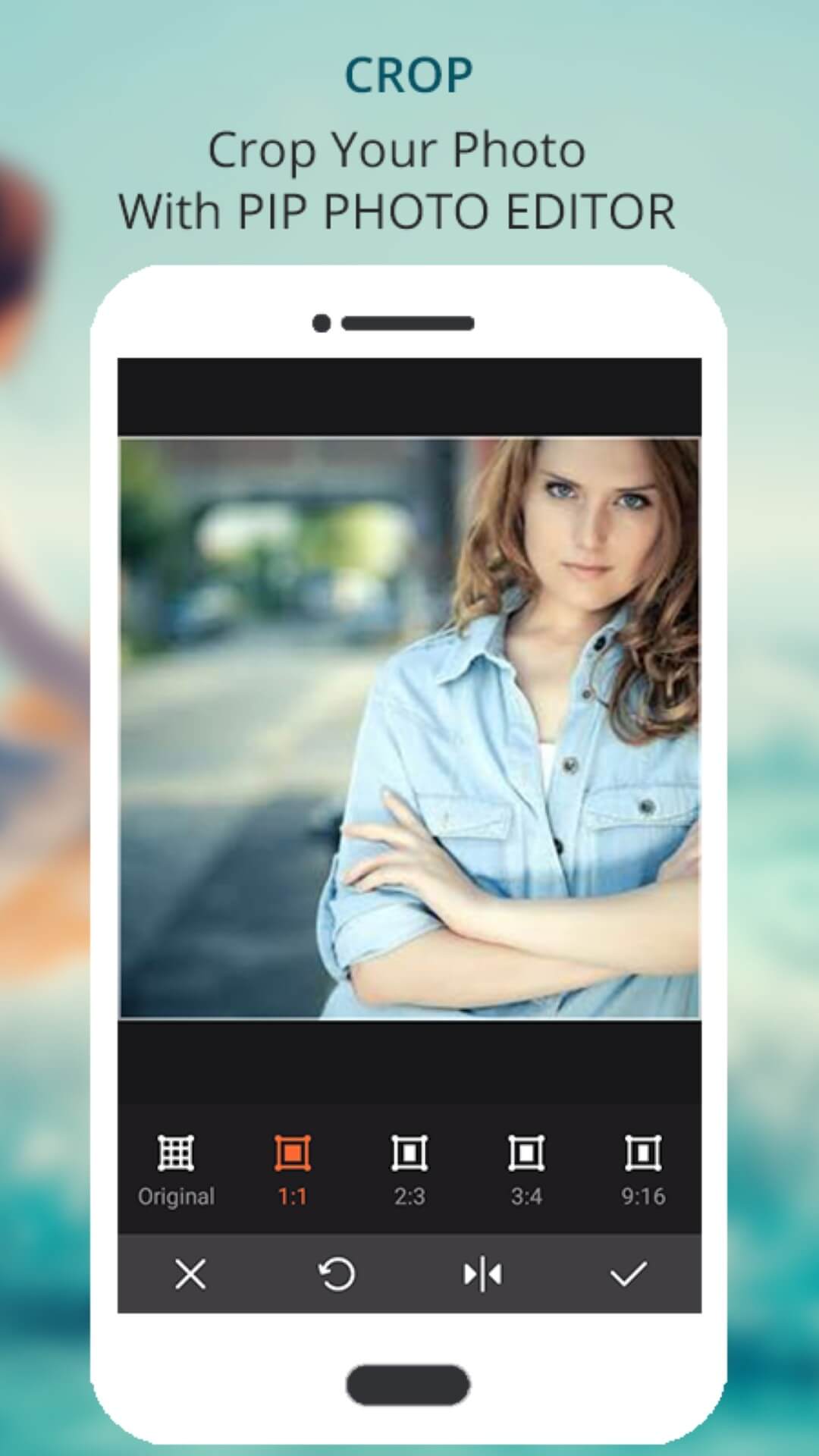
- Adjustable spacing, rounded corners, aspect ratios (1:1, 4:5, 9:16)
- Export JPG or PNG (transparent/colored backgrounds)
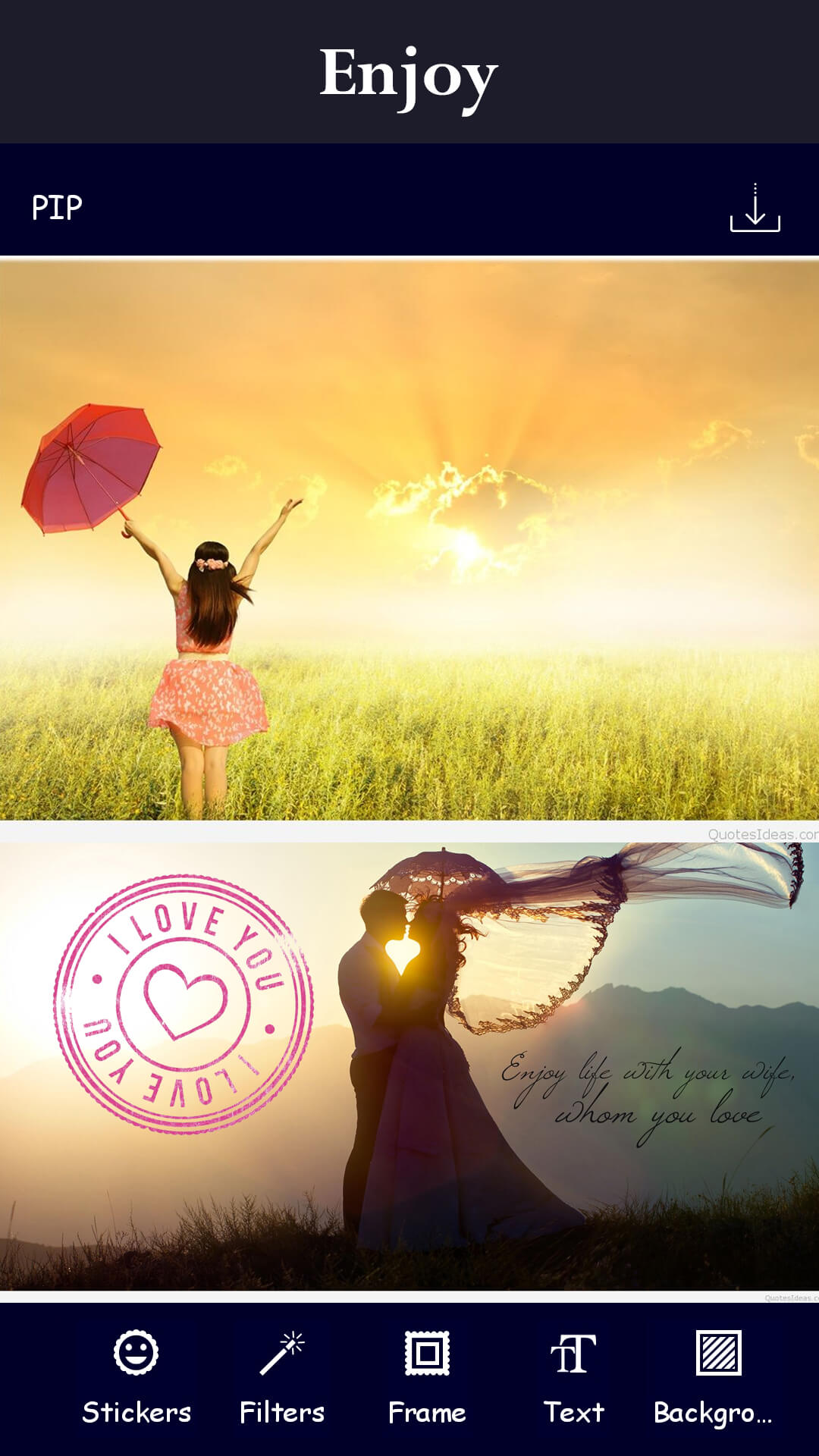
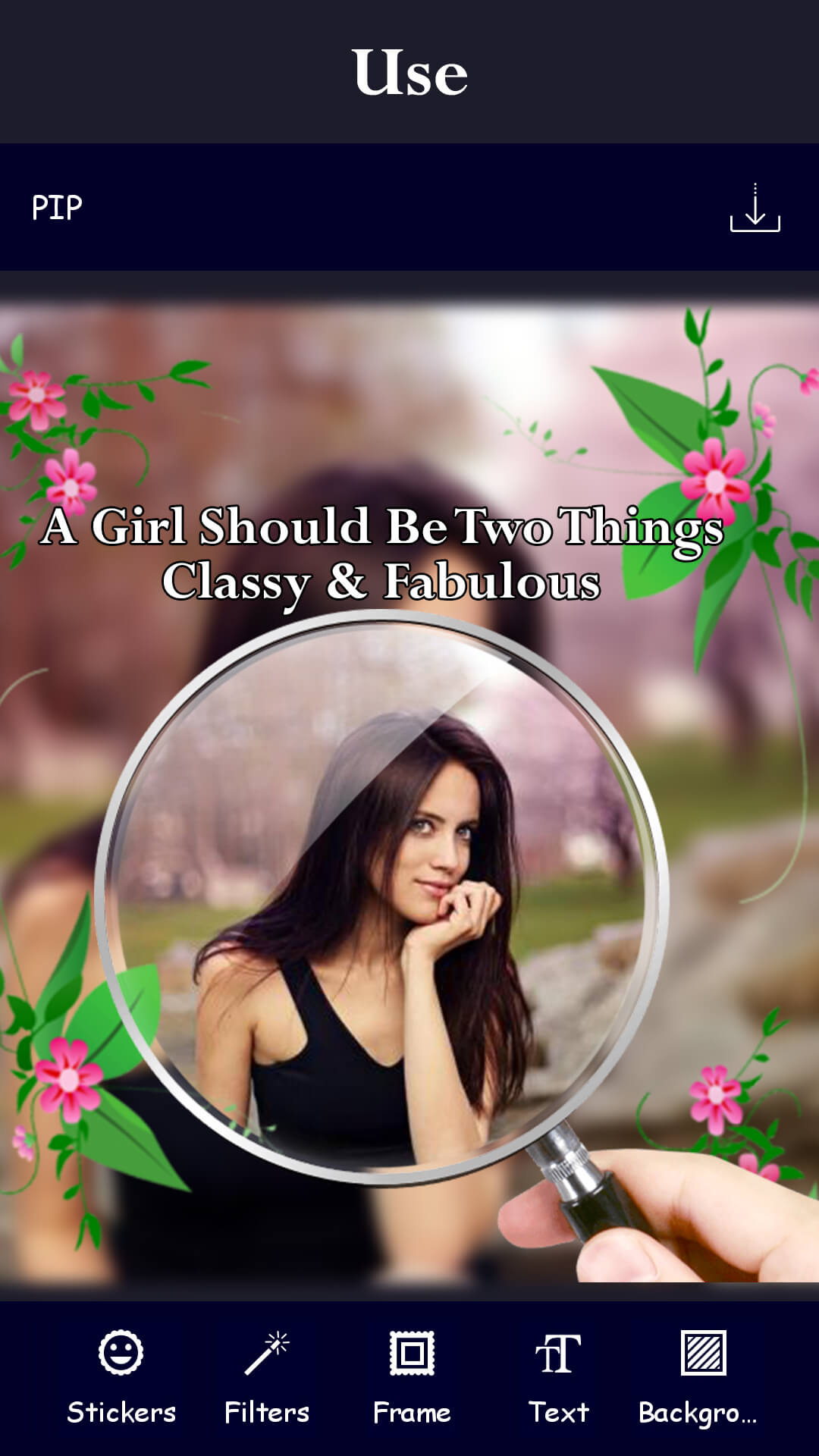
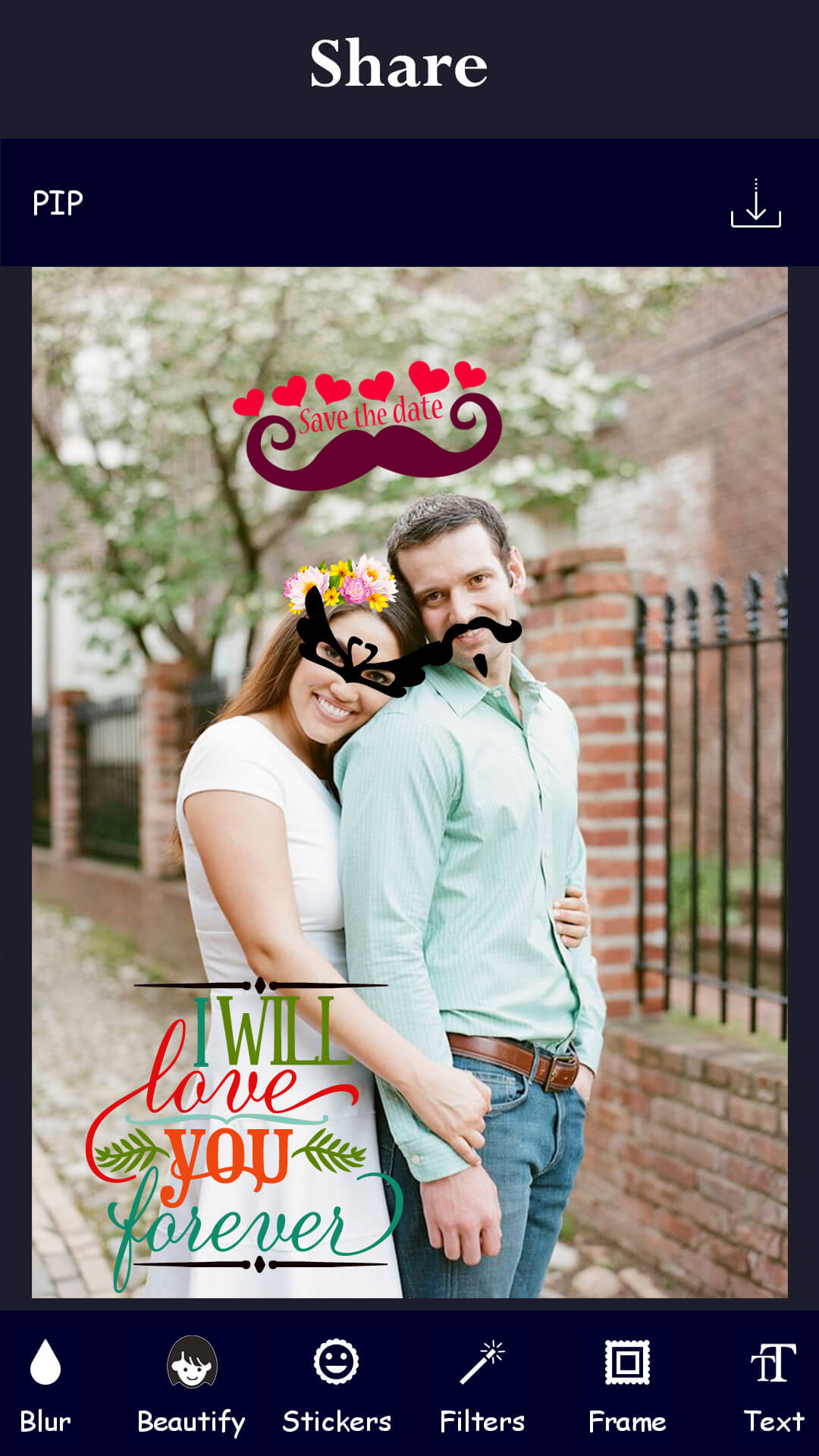
Gallery — PIP Frames, Magazine Templates & Collages
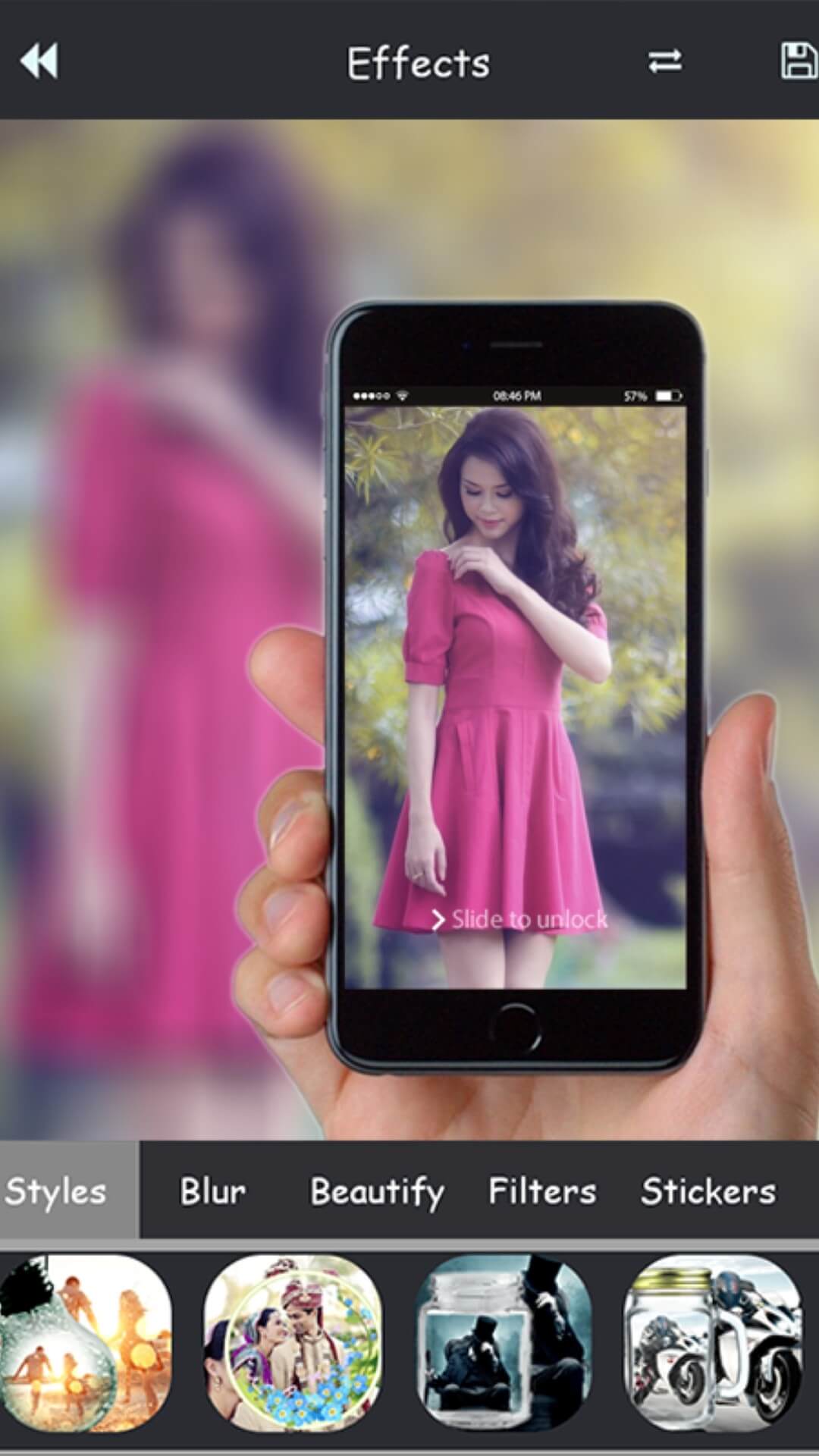
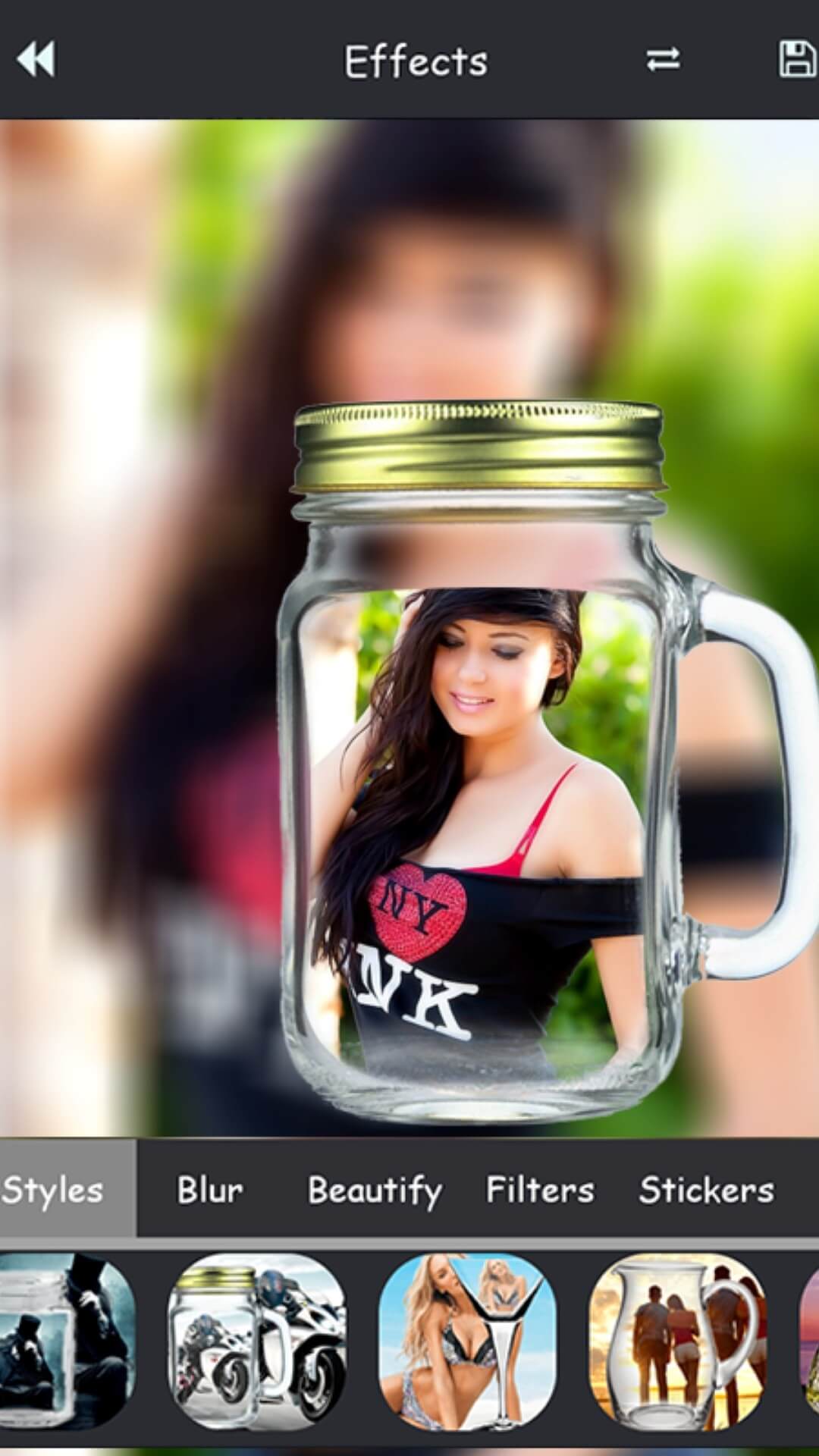
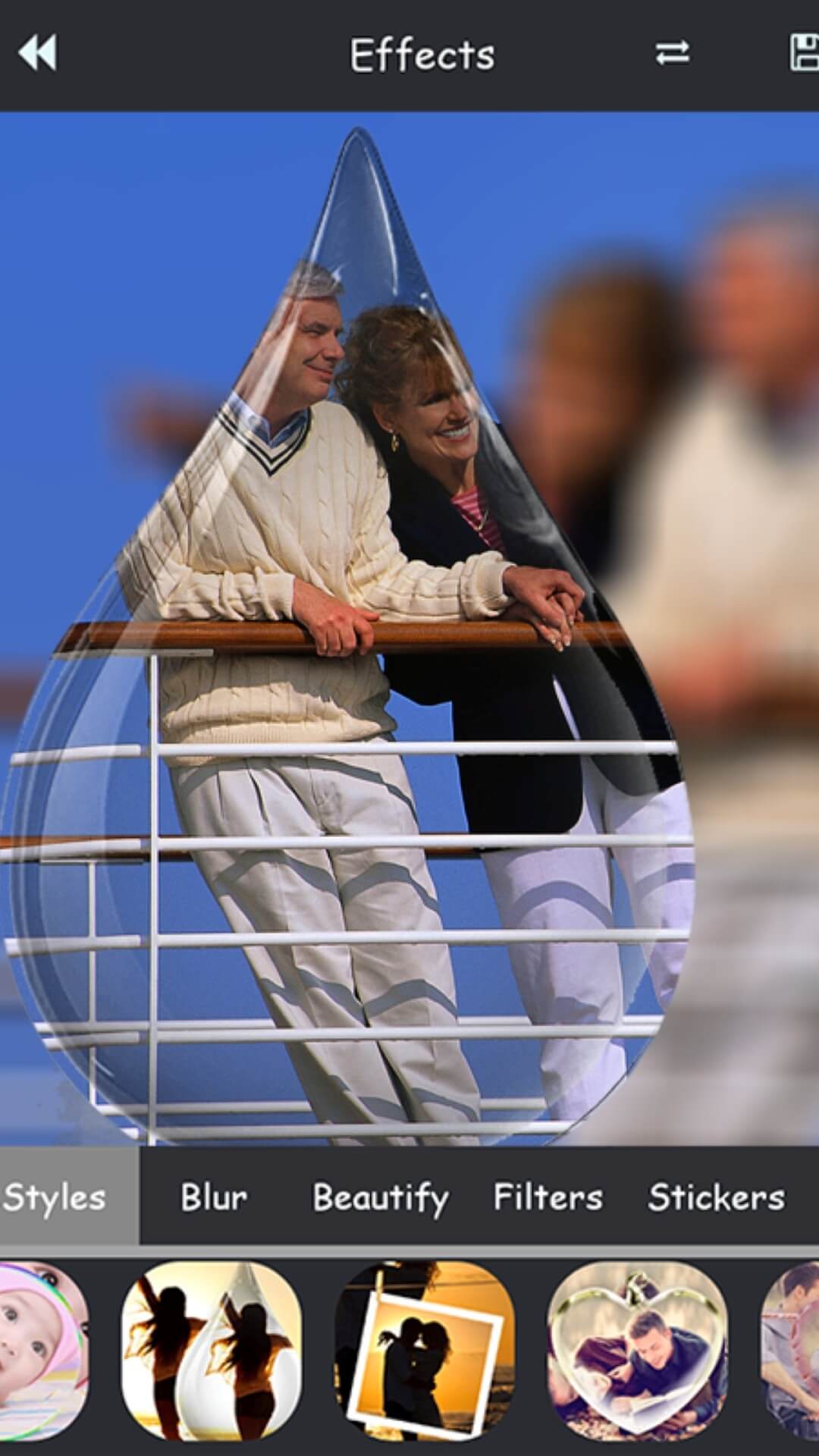
Explore real edits made with PipMaster: AI Photo Editor — eye-catching PIP photos, magazine-style layouts, collage grids, creative filters & overlays, stickers, and custom backgrounds. See how selfies transform with our background remover and realistic photo suit try-ons.



User Reviews & Testimonials — PipMaster: AI Photo Editor
Hear what creators and selfie lovers say about PipMaster: AI Photo Editor — our all-in-one PIP photo editor for Android. From stunning magazine-style collages and AI filters to the easy background remover and photo suit try-ons, users love how effortlessly they can enhance pictures and share them on Instagram, Facebook, and WhatsApp. Discover why PipMaster is rated 4.6★ by millions of happy editors worldwide.

Suraj K.
Best PIP photo editor I’ve ever used!
PipMaster is seriously next-level! I love how it turns my selfies into magazine-cover pictures within seconds. The PIP frames look premium and the AI filters automatically adjust lighting and color tones perfectly. I’ve tried many photo editor apps, but nothing feels as easy and creative as this one. Totally worth it for daily Instagram edits!

Tannu Jain
Beautiful collages and quick edits in one app
This app combines everything I need — collage maker, background remover, and cool stickers — all in one place. The interface is clean and smooth even on my mid-range phone. I can make stylish posts for my boutique page using PipMaster’s magazine layouts and export them in HD without losing quality. Highly recommended for content creators!

Dev
Perfect for social media influencers
As a small influencer, I rely on AI photo editors to save time, and PipMaster is my go-to. The PIP collage templates are trendy and the filters add that cinematic glow. I can also fine-tune brightness, contrast, and saturation easily. My followers often ask what app I use for my creative edits — it’s always PipMaster!

Harleen
Easy to use, even for beginners
I’m not a professional editor, but PipMaster makes me feel like one! The background eraser is very accurate and I can swap in any backdrop I like. The app runs smoothly offline too. I’ve made fun photo suits and cute collages with friends — editing is so much faster compared to other photo editing apps. Five stars from me ⭐⭐⭐⭐⭐

Santosh S.
Love the designs and updates!
Every update brings new PIP frames, creative overlays, and cool magazine-style templates. I like that I can add names or quotes using stylish fonts and save pictures in full resolution. The FormationApps team keeps improving PipMaster and listens to feedback. It’s my favorite app for editing selfies, travel shots, and festival pictures!
Frequently Asked Questions
Quick answers about PipMaster: AI Photo Editor — PIP frames, magazine-style collages, background remover, filters & overlays, sharing, privacy, and support.
Yes — PipMaster is free to download and you can start editing instantly without sign-up. Optional in-app purchases unlock premium items (e.g., AI photo effects, extra PIP frames, advanced collage layouts). Create a profile later only if you want to sync or restore purchases.
Open a suit frame, import a face photo, then use Move / Rotate / Scale to align. Smart blending adjusts shadows and skin tone for realistic results. Explore more try-on options in Formal Men Photo Suit and Women Traditional Dresses.
Yes, the background remover works offline in most scenarios and uses on-device processing for speed and privacy. Edge-aware cutouts handle hair strands well; refine with manual brushes, feather, and shadow/blur sliders for pro-looking results.
Absolutely. Use PIP frames and the collage maker to export popular aspect ratios (1:1, 4:5, 9:16). For advanced layouts, try PipMaster: AI Photo Editor — magazine templates, grids, stickers, and text styles optimized for social posts.
PipMaster is lightweight and optimized for popular Android devices. Most features run smoothly on mid/entry-level phones. For best performance, keep storage free, close background apps, and update to the latest version from Google Play.
Ads keep core tools free. To remove ads and unlock premium AI effects, suit packs, frames and stickers, purchase the in-app premium options shown on the PipMaster store page or upgrade screen.
Photos are edited locally on your device unless you choose to share or back them up. We request only essential permissions (camera/storage) for capturing and saving edits. Read our Privacy Policy for details.
Use in-app Help & Support or the site Contact form and include your device model, Android version, app name & version, and a short screen recording if possible. You can also email us at care.formationapps@gmail.com.
Contact
Questions, feedback, or partnership ideas? We’d love to hear from you.
Address
India • Serving users worldwide
Support Hours
Mon-Sat, 10:00-18:00 IST
Email Us
For bug reports, include device model, Android version & app version.