

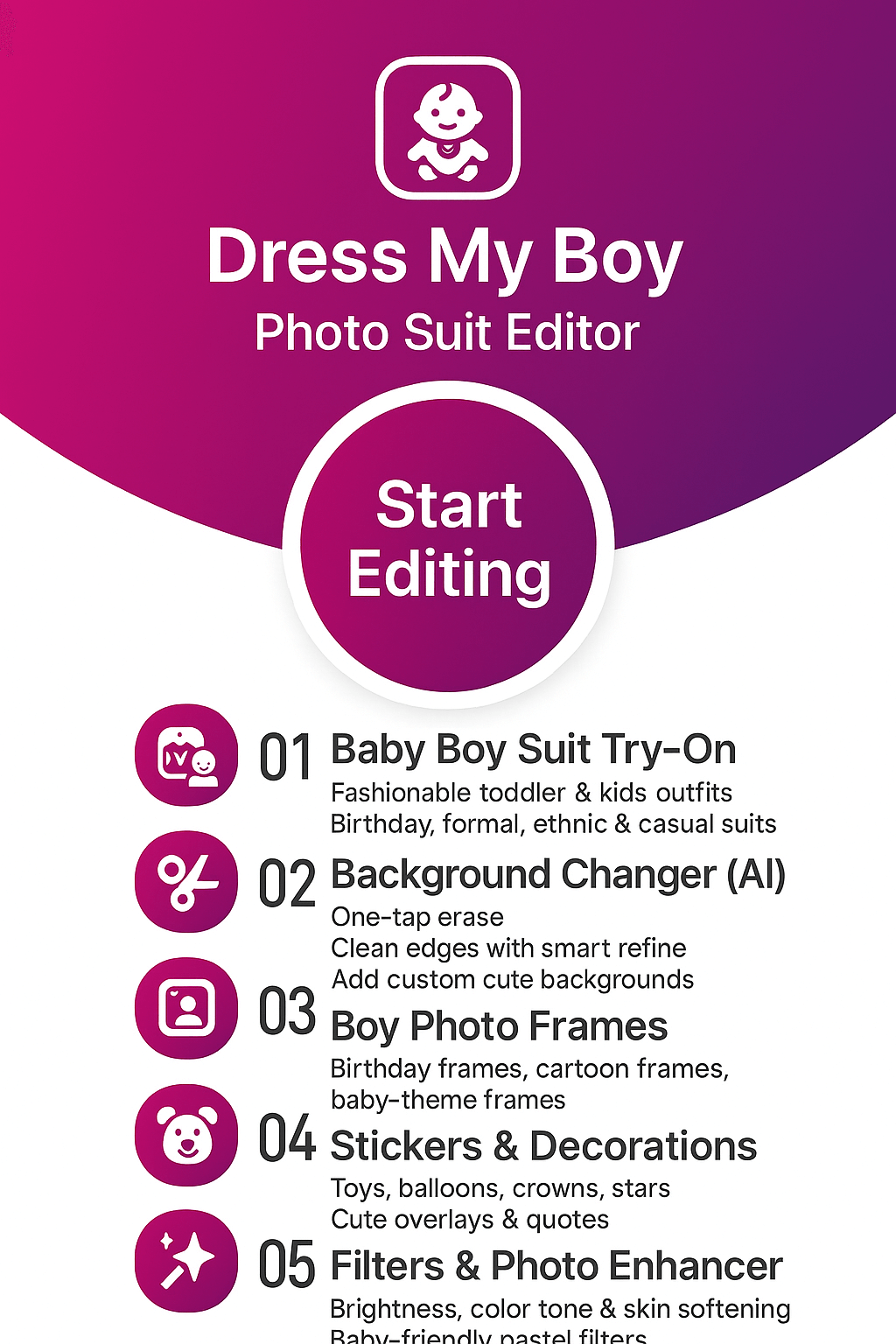
Dress My Boy: Photo Suit Editor — Baby Boy Fashion Suits & Kids Outfits
Dress up your baby boy in adorable photo suits and trendy kids wear in just a few taps. Capture or import a photo, try blazer suits, casual t-shirts and party outfits, then refine the look with frames, filters and effects. Save cute kids photos in HD and share them with family and friends, powered by FormationApps.
- Baby boy photo suits and cute outfits
- Blazer, t-shirt and party wear frames
- Easy face alignment for perfect fit
- Filters, effects and kids photo frames
- Save in HD and share on social apps
About Dress My Boy by FormationApps
Baby Boy Photo Suit Editor for Cute Kids Fashion & Photoshoots
Dress My Boy: Photo Suit Editor helps parents and family members create adorable baby boy photos in minutes. Capture or import a picture, try blazer suits, casual t-shirts and party outfits, then fine-tune the look with kids photo frames, filters and effects. The app is part of the FormationApps photo suit collection that also includes formal men photo suits, women traditional dress editors, creative backgrounds and photo makeover tools for Android.
Baby Boy Outfits and Suits
Explore cute baby boy fashion with blazer suits, t-shirt looks and party outfits designed for kids photoshoots, birthdays and family albums.
Easy Face Fit and Adjustments
Position and scale your baby’s face with simple pinch and drag controls so every photo suit aligns naturally for a realistic finish.
Kids Photo Frames and Filters
Add playful kids photo frames, soft filters and light effects to highlight your baby boy’s expressions and create shareable moments.
Save, Share and Set as Wallpaper
Save edited baby photos in HD, set them as wallpaper on your phone, or share directly on WhatsApp, Instagram and other social apps.
Dress My Boy Features
Explore how Dress My Boy: Photo Suit Editor makes baby boy fashion photos easy and fun. Capture or import cute baby photos, try different photo suits and kids outfits, then add frames, filters and effects for memorable family pictures and social media posts.

Camera and Gallery Baby Photo Import
Start a baby boy makeover in seconds with a live camera shot or a favorite photo from your gallery.
Open Dress My Boy, capture a new picture or pick an existing baby photo, then place your child’s face inside any suit frame. The app is designed for parents and family members who want quick, clear results without complex tools, making it ideal for first-time users on Android.
- Capture baby photos directly inside the app
- Import images from the gallery with full resolution support
- Smooth performance on popular Android phones and tablets

Baby Boy Fashion Suits and Outfit Library
Dress your little one in stylish baby boy photo suits without buying real outfits.
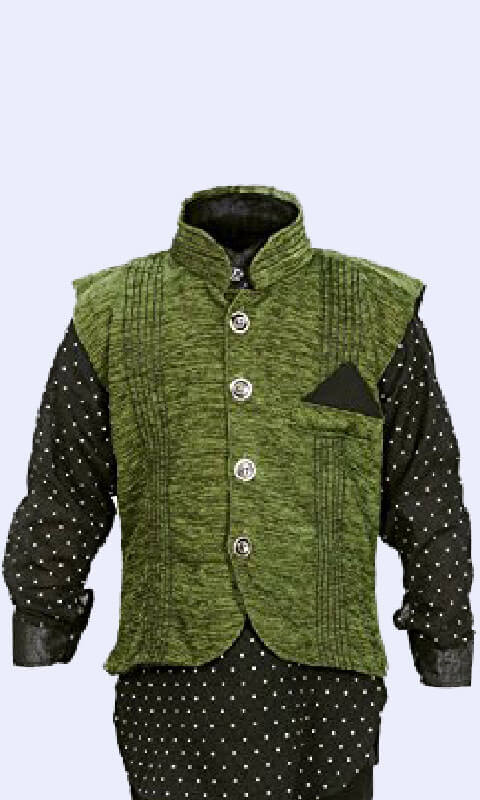
Browse a growing collection of kids wear including blazer suits, casual t-shirts, jeans looks and party outfits. Each frame is designed to match baby proportions so you can create realistic photos for birthdays, milestones and themed photoshoots, all inside one simple editor.
- Cute blazer suits, casual looks and party wear styles
- Multiple designs for different moods and occasions
- No real clothing purchase required for trying new looks

Easy Face Alignment, Frames and Filters
Adjust your baby’s face inside each suit with simple controls, then finish the look with frames and filters.
Use pinch and drag gestures to move, rotate and resize the face until it fits naturally inside the chosen outfit. Add soft frames, warm tones and light effects to keep the focus on your child’s smile. The editor keeps everything beginner friendly so any parent can create polished results.
- Intuitive move, zoom and rotate controls for perfect fit
- Kids friendly photo frames and gentle color filters
- Before and after preview to compare the final look

Save, Share and Use as Baby Wallpaper
Keep every cute edit safe and share your baby boy fashion looks with friends and family.
Once you complete the edit, save the baby photo in high quality to your gallery. Set it as home screen or lock screen wallpaper, send it to grandparents on messaging apps, or post it on Instagram, Facebook and WhatsApp Status. Every design is optimized to look clear on modern Android displays.
- HD export suitable for prints and digital albums
- Quick share shortcuts for popular social platforms
- Perfect for birthday invites, status updates and memory books
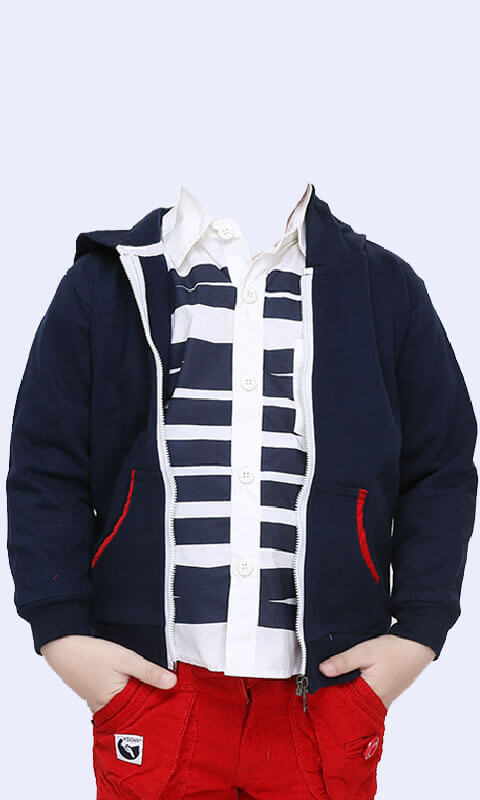
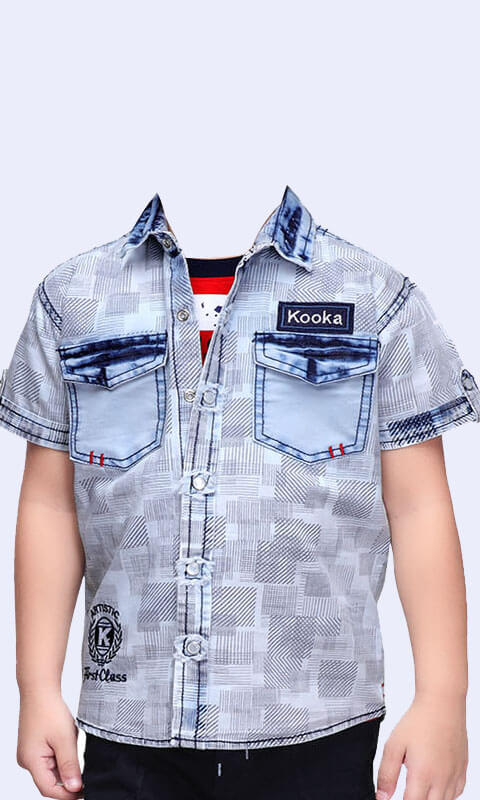
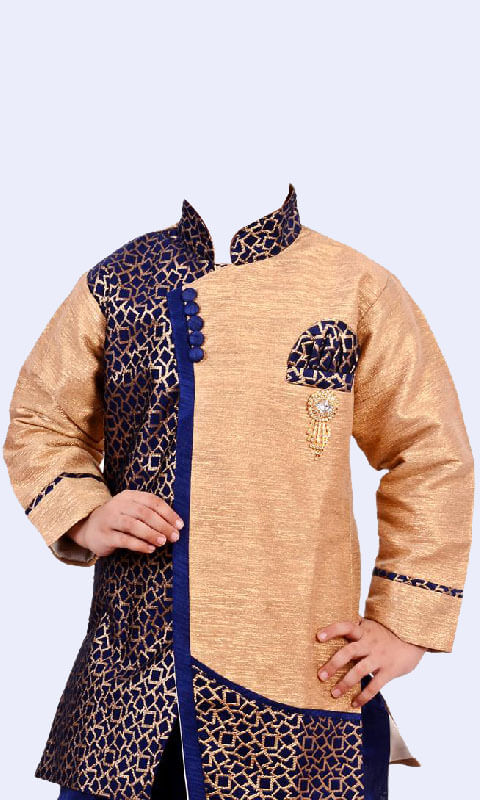
Gallery — Baby Boy Photo Suits, Kids Fashion Looks & Cute Edits
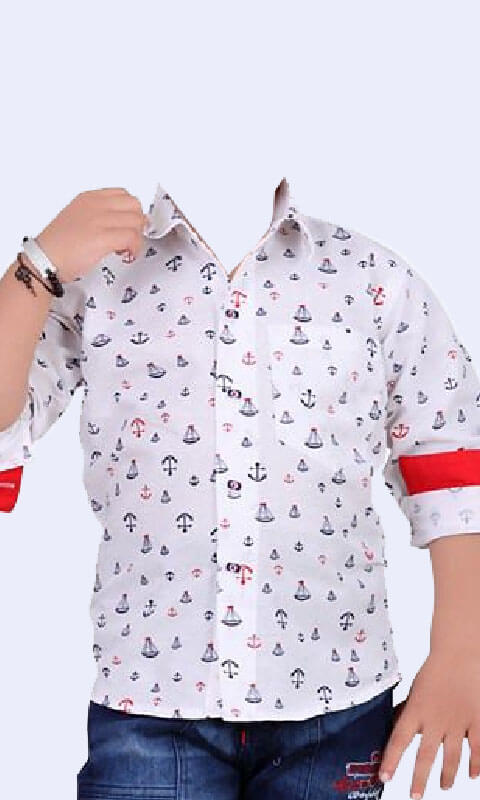
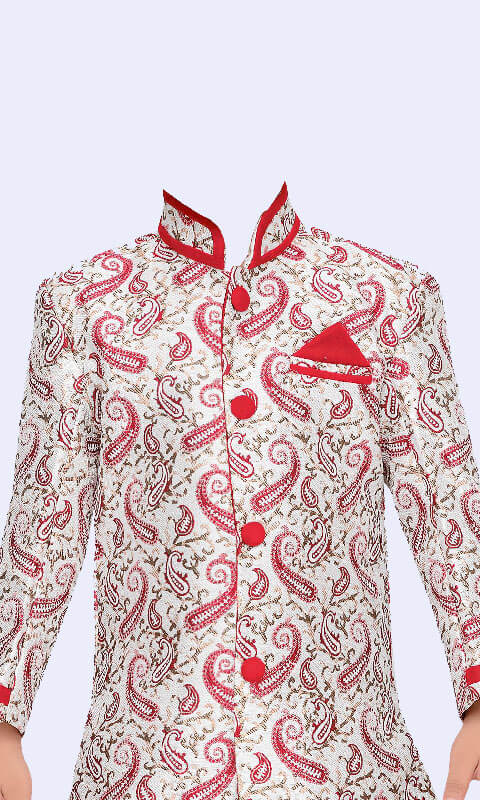
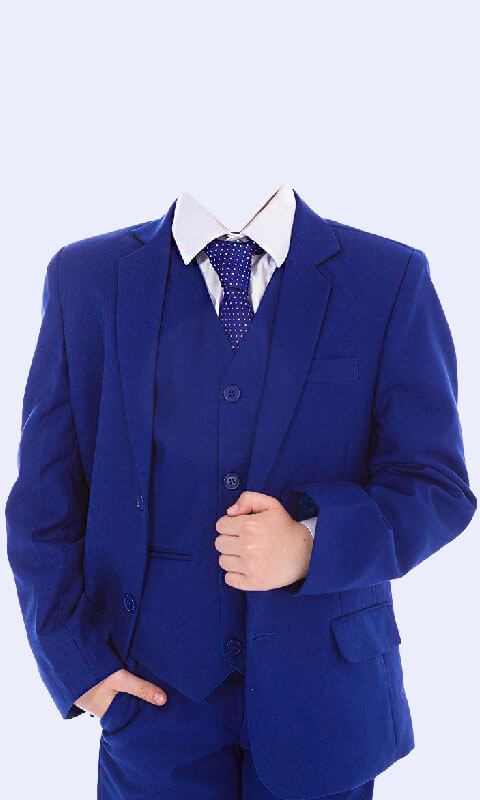
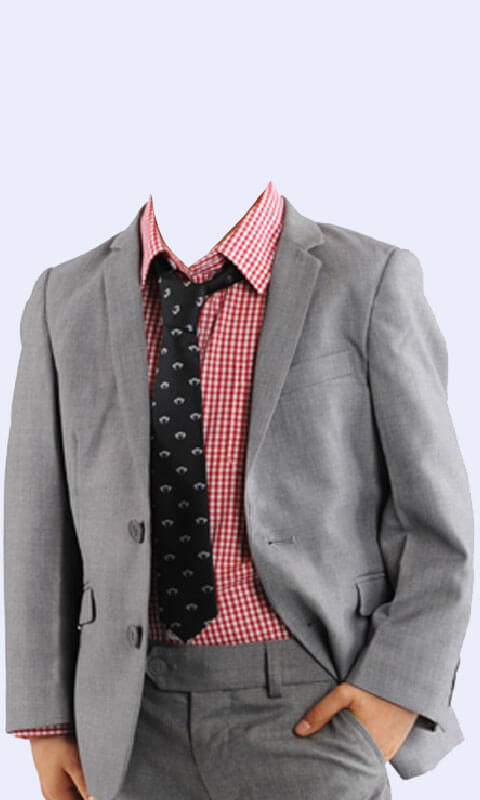
Browse sample edits created with Dress My Boy: Photo Suit Editor. See how baby boy photos look in blazer suits, casual t-shirts and party outfits, combined with kids photo frames, soft filters and simple effects. Get inspiration for birthdays, milestones and family photoshoots using this baby boy fashion and photo suit editor for Android.
User Reviews & Testimonials — Dress My Boy: Photo Suit Editor
Read what parents and families say about Dress My Boy: Photo Suit Editor. Users love how simple it is to dress up baby boys in adorable outfits, blazer suits, t-shirt looks and party wear. The easy face-fit tools, cute kids photo frames and soft filters help create memorable pictures for birthdays, milestones and family albums. Discover why Dress My Boy is a favorite baby boy photo suit editor for Android users worldwide.

Mantu K.
Dress My Boy: Photo Suit Editor
Absolutely love this app! Dressing up my baby boy in cute outfits is so much fun. The blazer suits and t-shirt frames look so natural, and the face-fitting tool is very easy to use. I made adorable birthday photos in minutes!

Rohan Mehra
Dress My Boy: Photo Suit Editor
This is the best baby boy photo suit editor I’ve tried. The outfits are stylish and perfectly sized for kids. I used it to create milestone pictures for my son and the results look like a real photoshoot. Highly recommended!

Aisha Khan
Dress My Boy: Photo Suit Editor
Such a helpful app for parents! I love how simple it is to import photos and try different kids fashion suits. The filters and frames add a beautiful finishing touch. My family loves the edits I made.

Neha Verma
Dress My Boy: Photo Suit Editor
Dress My Boy made my son's first birthday album super special. The party wear suits and cute frames are adorable. The HD export quality is amazing — perfect for printing and sharing with relatives.

Amit Kulkarni
Dress My Boy: Photo Suit Editor
Great app for baby boy photos. The suit collection is unique and very realistic. I easily aligned my child’s face and saved high-quality edits for our family scrapbook. Excellent work by FormationApps!
Frequently Asked Questions
Find quick answers about Dress My Boy: Photo Suit Editor — baby boy outfits, kids fashion suits, camera and gallery imports, face alignment, filters, saving, sharing, privacy and support.
Yes, Dress My Boy is completely free to download on Android. You can capture or import baby photos, try outfits and create kids fashion edits instantly with no sign-up required. Optional in-app ads may appear to support free features, and some advanced suit packs may be offered as optional upgrades.
Choose any outfit frame such as blazer suit or t-shirt look, then import a baby photo from the camera or gallery. Use simple move, rotate and zoom gestures to place the face perfectly in the cutout area. The app keeps adjustments easy so parents can create natural-looking edits without advanced tools.
Yes, the frames are created to match baby proportions, giving a natural and cute look in most photos. You can adjust brightness, apply soft filters and add subtle frames to improve blending. With proper face alignment, results appear close to real photoshoot images.
Absolutely. Dress My Boy is perfect for creating cute birthday photos, monthly milestone images, holiday outfits and themed family collages. The HD export ensures every picture is suitable for prints, party invitations or digital albums.
Yes, the app is lightweight and optimized for smooth performance on a wide range of Android phones. Even older devices can run the main features including face fit, filters and photo suit editing. Keeping storage free and updating the app ensures best results.
Ads allow the core editor to stay free. Some outfit packs and premium filters may be offered as optional in-app purchases inside the Dress My Boy store screen. These upgrades unlock more themes and reduce interruptions during editing.
No, your photos are edited and saved locally on your device unless you choose to share them. The app asks for only essential permissions such as camera and storage. For more details about how data is handled, check the FormationApps Privacy Policy.
You can reach the FormationApps support team using the in-app Help section or the website Contact form. For faster assistance include your device model, Android version and a short description of the issue. You may also email care.formationapps@gmail.com.
Contact
Questions, feedback, or partnership ideas? We’d love to hear from you.
Address
India • Serving users worldwide
Support Hours
Mon-Sat, 10:00-18:00 IST
Email Us
For bug reports, include device model, Android version & app version.