

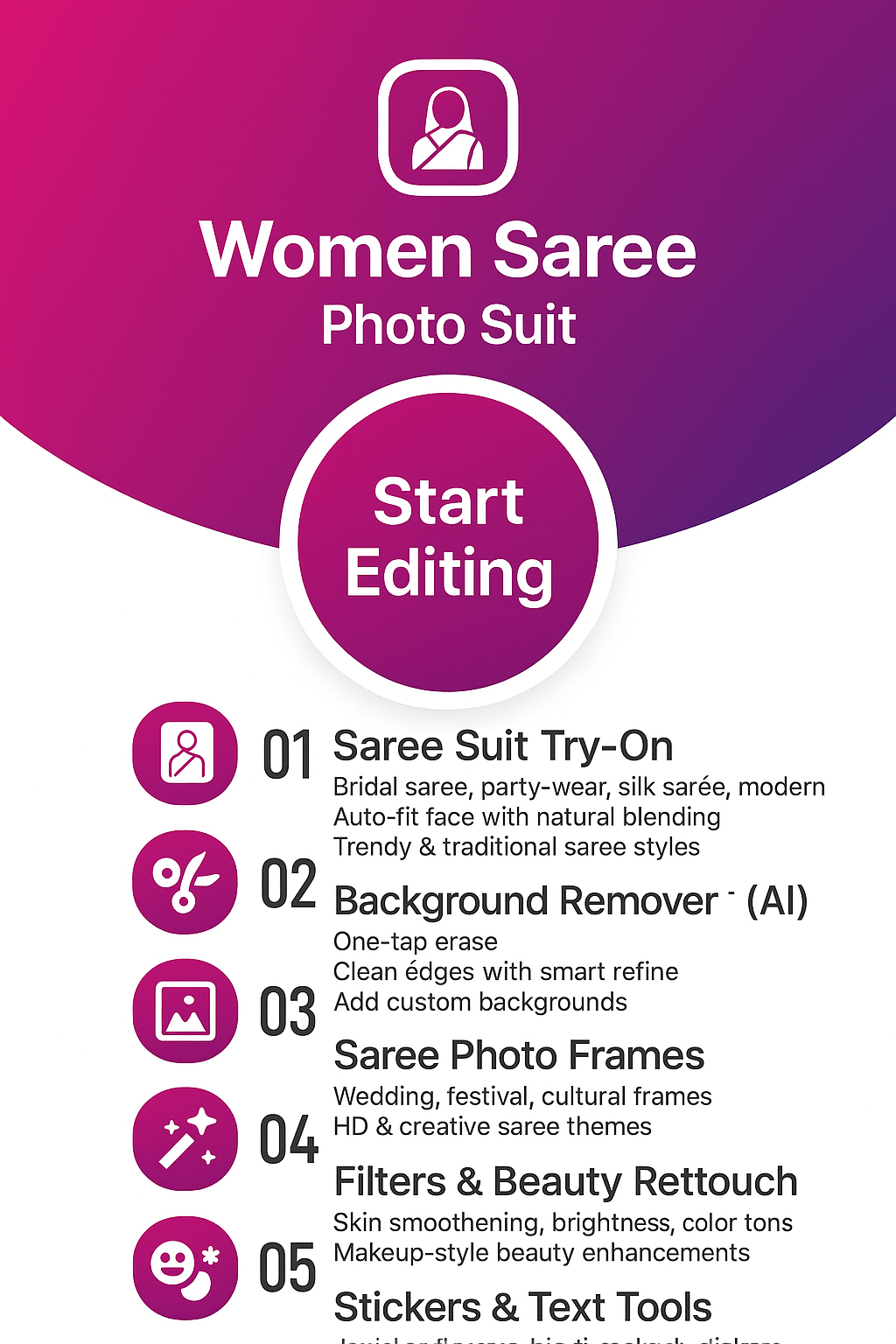
Women Saree Photo Suit – Bridal, Party Wear & Designer Saree Photo Editor
Try bridal sarees, wedding sarees, party wear and designer Indian sarees without a real photoshoot. Women Saree Photo Suit works as a virtual saree try-on app with dress changer, background remover, auto face detection, filters, stickers and collage maker so you can create share-ready saree photos in just a few taps.
- Bridal, wedding and party wear saree suits
- Virtual saree try-on with dress changer
- Background remover with creative scenes
- Filters, effects, stickers and makeup touch-up
- Saree collage maker for social media posts
About Women Saree Photo Suit by FormationApps
Saree Photo Editor for Android – Bridal, Party Wear & Designer Saree Styles
Women Saree Photo Suit is an easy saree photo editor for Android that helps you try bridal sarees, wedding sarees, party wear and designer Indian sarees without a studio shoot. Use the dress changer, auto face detection, background remover, filters and stickers to create realistic saree photos that are ready to share on social media. You can also explore more fashion and photo suit apps from FormationApps such as Formal Men Photo Suit, Women Traditional Dresses and other creative photo editor tools.
Dress Changer with Auto Face Fit
Pick a bridal, party wear or designer saree frame, then let auto face detection place your portrait. Fine-tune with drag, rotate and zoom controls for a natural saree try-on look.
Background Remover & Scenes
Use the background remover to erase cluttered backdrops and replace them with studio, festive or outdoor scenes so your saree photos look like professional portraits.
Filters, Effects, Hair & Makeup
Enhance your saree look with soft beauty filters, color tones, hair touch-up and light makeup tools that match Banarasi, silk, chiffon, georgette and net saree styles.
Saree Collage & Social Ready
Combine multiple saree photos into collages, add stickers and text, then export in popular sizes for Instagram, Facebook and WhatsApp Status directly from the app.
Women Saree Photo Suit Features
Explore what makes the Women Saree Photo Suit app a favorite saree photo editor for Android. Try virtual bridal sarees, party wear sarees and designer Indian sarees with dress changer, background remover, filters, stickers, hair and makeup tools plus a built-in saree collage maker.

Virtual Saree Try-On with Dress Changer
Try different saree styles without a trial room. Choose a bridal saree, party wear saree or traditional Indian saree and see how it looks on your photo instantly.
Import a selfie or portrait, pick a saree frame and let the dress changer place your face in the outfit. Adjust with drag, rotate and zoom for a natural fit, then preview multiple designs before saving. It is a quick way to explore wedding looks, festive outfits and daily wear saree fashion from your phone.
- Library of bridal, wedding, party wear and designer saree suits
- Easy drag, rotate and zoom controls for face alignment
- Works with selfies, gallery photos and rear camera shots

Background Remover & Scene Changer
Clean up your saree photos with a powerful background remover designed for portraits and full-length images.
Erase messy or distracting backgrounds and replace them with studio-style walls, festive lights, wedding stages or outdoor scenes. Zoom in to refine edges around hair and jewellery, soften the blur and add subtle shadows so your saree look feels like a professional photoshoot.
- Auto and manual erase with zoom, brush size and feather control
- Replace with built-in scenes, solid colors or your own background images
- Natural shadows and blur for depth in saree portraits and profile pictures

Auto Face Detection, Hair & Makeup Touch-Up
Get a polished saree makeover with smart face placement, soft beauty filters and light makeup tools.
Auto face detection helps the app locate your face and position it correctly inside the saree frame. After fitting, you can smooth skin lightly, adjust brightness and contrast, tweak hair lines and apply gentle makeup so your bridal or party wear saree look appears camera-ready.
- Auto face detection for faster and more accurate saree placement
- Beauty filters and tone adjustments tuned for Indian skin tones
- Simple hair and makeup edits to match traditional or modern saree styles

Saree Collage Maker, Filters & Stickers
Showcase all your favorite saree looks together with stylish collages, filters and fun sticker packs.
Combine multiple saree photos into grids, frames and story-style layouts, then decorate them with filters, text captions, emojis and wedding or festival stickers. Export in popular aspect ratios for Instagram posts, Reels covers and WhatsApp Status so you can share your saree fashion ideas easily.
- Ready-made collage layouts for 2–9 saree photos
- Filters, effects, text and stickers tailored for Indian festivals and weddings
- Social-ready export sizes including 1:1, 4:5 and 9:16 for Android users
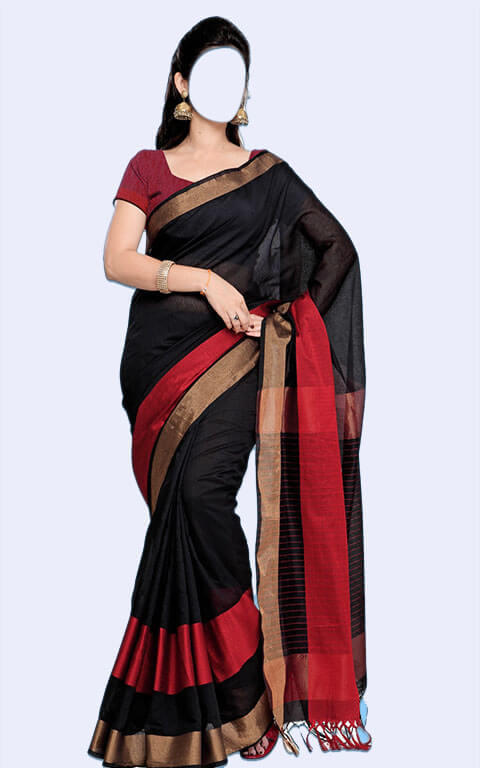
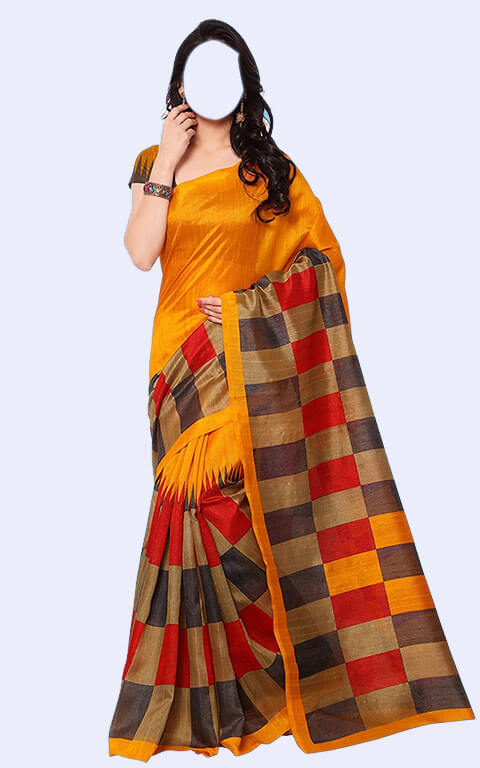
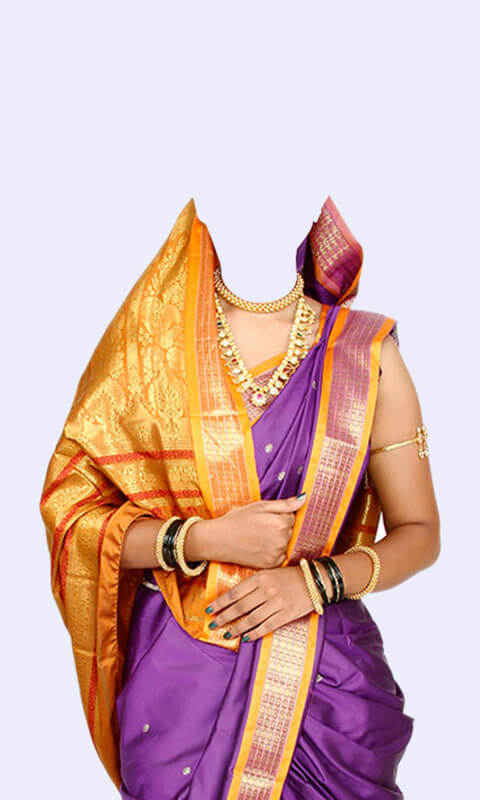
Gallery – Women Saree Photo Suit Looks & Saree Styles
Browse saree photo samples created with the Women Saree Photo Suit app. See how bridal sarees, wedding sarees, party wear and designer Indian sarees look with our virtual try-on, dress changer, background remover, filters and stickers. From Banarasi and silk sarees to chiffon, georgette and net sarees, this gallery shows how simple selfies can turn into studio-style saree portraits ready to share on Instagram, Facebook and WhatsApp.




User Reviews & Testimonials — Women Saree Photo Suit
See what women across India say about the Women Saree Photo Suit app. From beautiful bridal saree try-ons to party wear and traditional saree photo edits, users love how easy the dress changer, background remover, filters and stickers make saree styling. The app helps women explore Indian saree fashion digitally and create studio-quality saree portraits for Instagram, Facebook and WhatsApp. Discover why Women Saree Photo Suit is one of the most trusted saree photo editor apps on Android.

Ananya Sharma
Women Saree Photo Suit
Women Saree Photo Suit is my go-to saree photo editor! The bridal saree collection looks so realistic and the auto face detection makes fitting super easy. Background remover and filters give a studio-quality finish. I edited my wedding trial looks with this app — totally loved it!
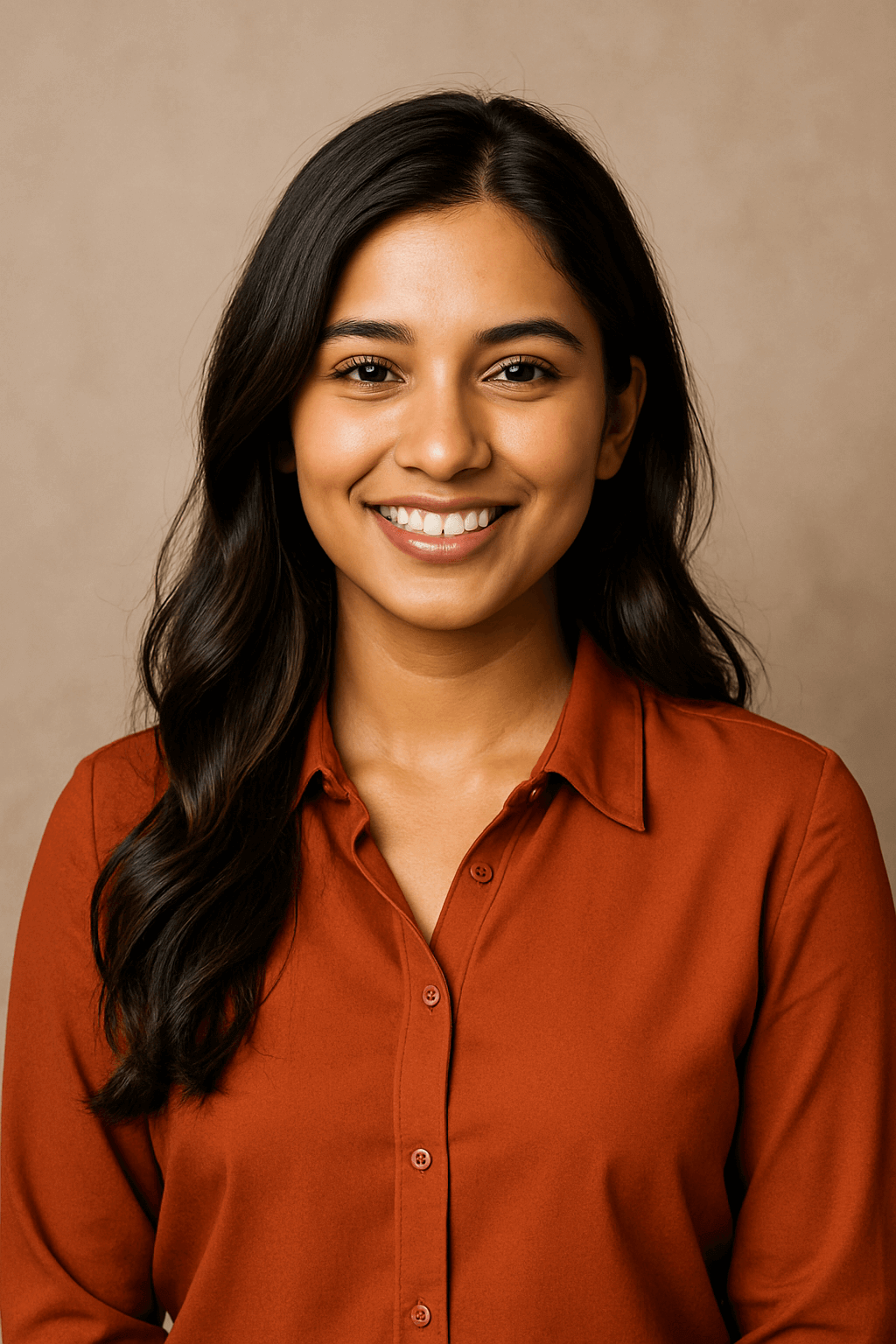
Priya Sinha
Women Saree Photo Suit
This app is perfect for exploring different saree styles before actually buying them. The Banarasi and silk saree suits look amazing. Dress changer works smoothly and the collage maker helped me create a beautiful saree-style Instagram post. Highly recommended!

Ritu Verma
Women Saree Photo Suit
I used this saree photo editor for a festive photoshoot and the results were stunning! Background scenes look natural and the makeup touch-up tools enhance the look even more. Very easy to use and perfect for party wear saree try-ons.

Sneha Gupta
Women Saree Photo Suit
Absolutely love this app! So many designer saree suits and the georgette/chiffon options look very elegant. It’s fun to try different saree looks on selfies. Filters, stickers and text tools make editing super enjoyable. Must-have app for saree lovers!

Komal Yadav
Women Saree Photo Suit
Women Saree Photo Suit helped me visualize my bridal saree look in seconds. The app has beautiful traditional and modern designs. I especially like the clean background remover and the realistic saree fitting. Sharing edits on WhatsApp is super quick too!
Frequently Asked Questions
Find quick answers about the Women Saree Photo Suit app — saree photo editor tools, virtual saree try-on, dress changer, background remover, filters, stickers, offline use, privacy and support.
Yes, Women Saree Photo Suit is free to download from Google Play and you can start editing saree photos instantly without creating an account. Some premium saree frames, effects or sticker packs may be offered as optional in-app purchases, but the core saree photo editor, dress changer and background remover tools are available for free use on most Android phones.
Open Women Saree Photo Suit and choose a saree frame such as bridal, party wear or traditional Indian saree. Import a face photo from your gallery or camera, then use options like Move, Rotate and Zoom to align your portrait inside the saree suit. Auto face detection helps you fit faster and you can adjust until the saree looks natural. For other outfit styles, explore Formal Men Photo Suit and Women Traditional Dresses.
The background remover in Women Saree Photo Suit works on-device in most cases, so you can edit many saree photos offline after installation. The tool detects people and edges to separate you from the background and provides brushes, zoom and feather controls to refine hair, jewellery and saree borders. You can then apply blur, solid colors or themed scenes for a cleaner, studio-style saree portrait.
Yes, Women Saree Photo Suit is designed for social media sharing. After editing your saree look, you can export images in popular aspect ratios such as 1:1, 4:5 and 9:16 which work well for Instagram posts, Reels covers and WhatsApp Status. Use the collage maker, filters and stickers to style your saree photos before sharing them directly from the app.
Women Saree Photo Suit is optimized for popular Android devices and runs smoothly on most mid-range and many entry-level phones. For the best performance when using background remover or collage maker, keep some storage space free, close unused apps and make sure you have updated to the latest version from Google Play on your device.
Ads help keep the main Women Saree Photo Suit tools free for everyone. If you prefer an ad-light experience or want access to extra saree designs, background scenes or premium filters and stickers, you can use the in-app purchase options shown on the store or upgrade screens inside the app.
Saree photos are edited locally on your device unless you choose to share or back them up yourself. Women Saree Photo Suit requests only essential permissions such as camera and storage so you can capture, select and save images. To learn more about data handling across FormationApps products, review our Privacy Policy page.
If you face any issue with saree frames, background remover or app performance, use the in-app Help and Support option or the site Contact form. Include your device model, Android version, app name and a short description or screen recording if possible. You can also email the FormationApps support team at care.formationapps@gmail.com.
Contact
Questions, feedback, or partnership ideas? We’d love to hear from you.
Address
India • Serving users worldwide
Support Hours
Mon-Sat, 10:00-18:00 IST
Email Us
For bug reports, include device model, Android version & app version.