

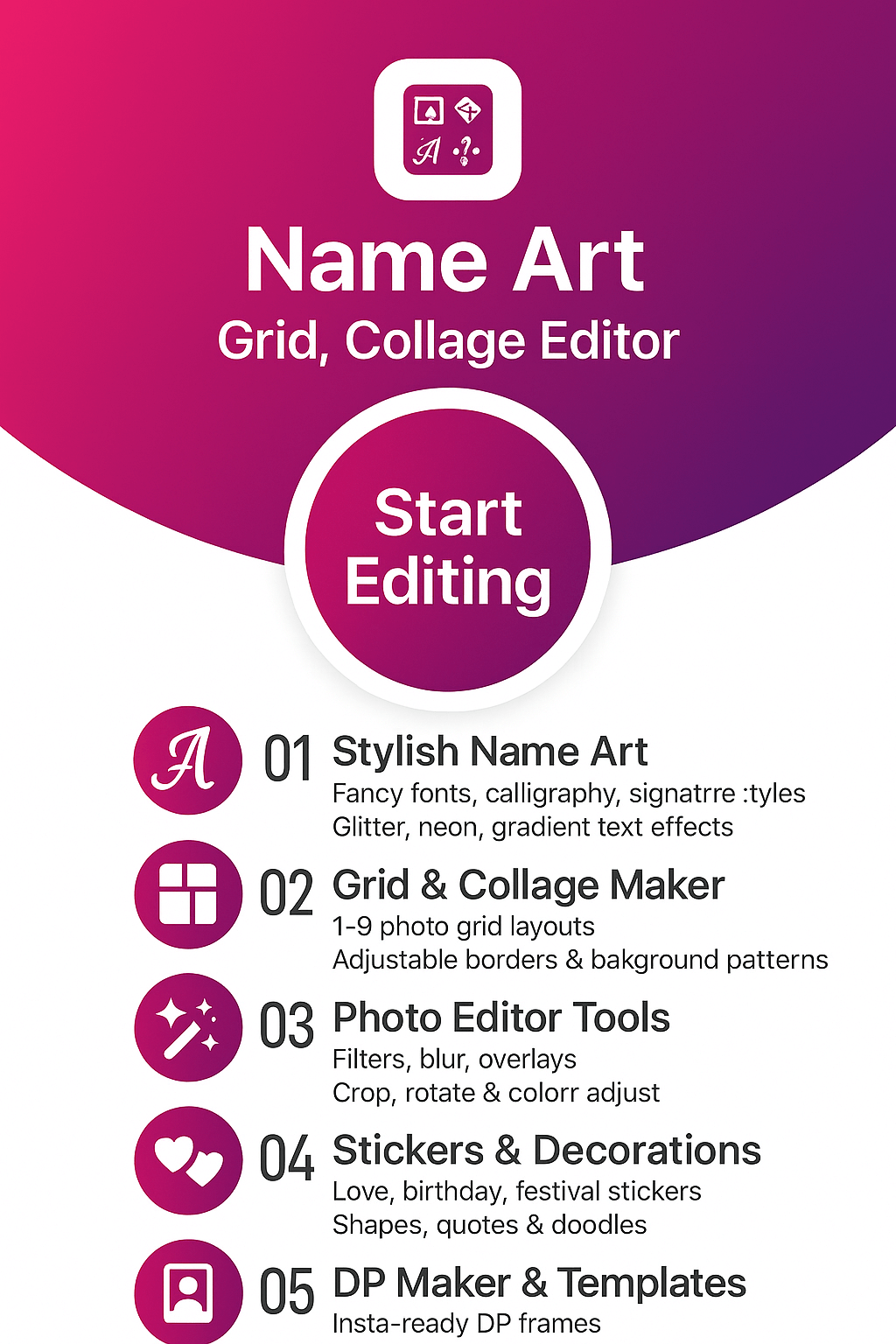
Name Art®: Grid, Collage Editor — Stylish Fonts, Neon Name Maker & DP Art
Design eye-catching name art in minutes: pick a gradient or photo background, type your name or quote, then style it with fancy fonts, neon & calligraphy text, stickers, and grid collages. Create unique DP, signatures, birthday wishes and logo-style name designs for WhatsApp, Instagram and more—powered by FormationApps.
- Stylish Fonts & Fancy Text Editor
- Neon, Calligraphy & Glow Name Art
- DP Maker, Signatures & Logo-Style Names
- Photo Grids, Collage Layouts & Frames
- Gradient Backgrounds, Stickers & Textures
About Name Art® by FormationApps
Stylish Name Art & Collage Editor for Android — Fonts, Neon Text & DP Maker
Name Art: Grid, Collage Editor is a creative name art app for Android that helps you design stylish names, signatures, DP art and logo-style name designs in a few taps. Combine fancy fonts, neon & calligraphy text, stickers, gradients and photo grids to create birthday wishes, quotes and social media posts. Explore more from FormationApps too: Formal Men Photo Suit, Women Traditional Dresses, and other photo editor apps for quick, trendy edits.
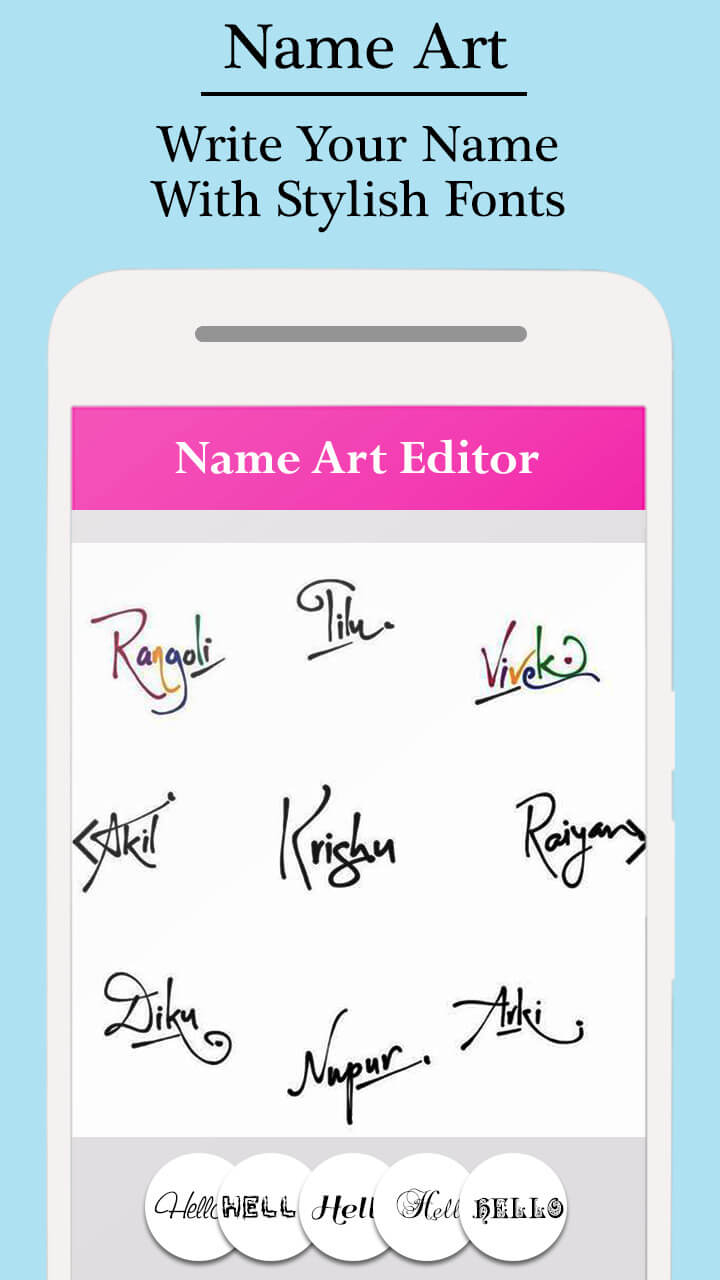
Stylish Fonts & Fancy Text
Choose from elegant, bold, cursive and calligraphy fonts to turn simple names into stylish word art and quotes.
Neon, Glow & Calligraphy
Add neon glow, outline, shadow and gradient effects to create eye-catching name art for DP, reels and stories.
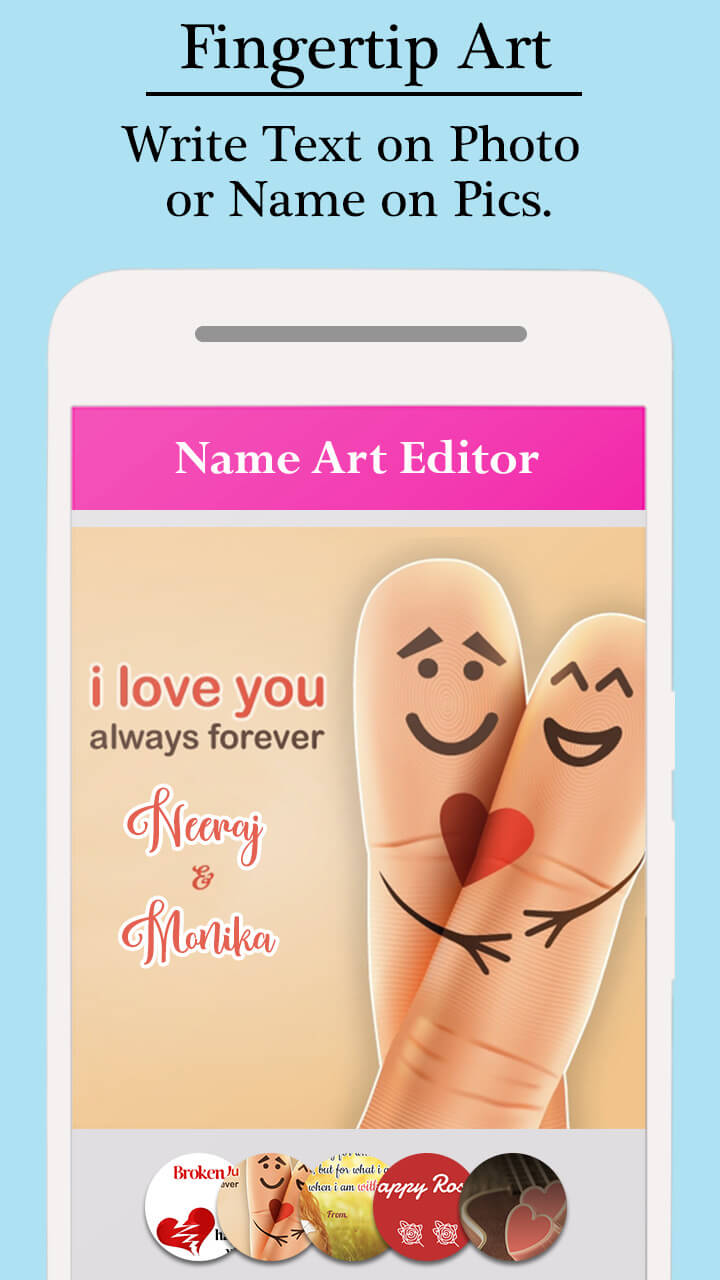
DP Maker & Signatures
Design circular or square profile pictures, initials and signature-style name art for WhatsApp, Instagram and Facebook.
Grids, Collage & Backgrounds
Use photo grids, frames, textures and gradient backgrounds to build collages, birthday cards and festival greetings in minutes.
Name Art Features
Discover why Android users love Name Art: Grid, Collage Editor — create stylish name art, signature designs, DP art and logo-style name logos with beginner-friendly tools, trendy fonts and ready-made collage layouts for social media.

Stylish Fonts & Fancy Text Editor
Turn simple names into stylish word art with a rich fancy text editor designed for quotes and DP.
Mix cursive, bold, script and calligraphy fonts to match your mood. Adjust size, spacing, curve and alignment to fit any layout. Add color gradients, outlines and shadows to make your name, initials or one-line status stand out on WhatsApp, Instagram and more.
- Dozens of stylish, cursive and calligraphy font styles
- Text color, gradient, outline, shadow and spacing controls
- Curved text and multi-line quotes support

Neon, Glow & Calligraphy Effects
Create neon name art and glowing signatures perfect for reels, stories and status updates.
Use ready-made neon palettes or build your own glow style. Dark, gradient and bokeh backgrounds make your name pop on screen. Combine calligraphy fonts with light streaks, inner/outer glow and blur to get a premium, poster-like name design without pro tools.
- One-tap neon, glow and light stroke presets
- Gradient overlays, bokeh and texture backgrounds
- Adjustable glow intensity and blur for night-style edits

DP Maker, Initials & Signature Designs
Design custom profile pictures, initial logos and digital signatures in a few taps.
Choose square or circle-cropped layouts, add your photo or a gradient background, then place your name or initials with stylish fonts. Add frames, borders, icons and stickers to match your theme. Export in high quality so your DP looks sharp on chat apps and social feeds.
- DP maker with circle, square and story-friendly sizes
- Signature-style scripts for names, initials and tags
- Frames, borders, icon packs and emoji stickers

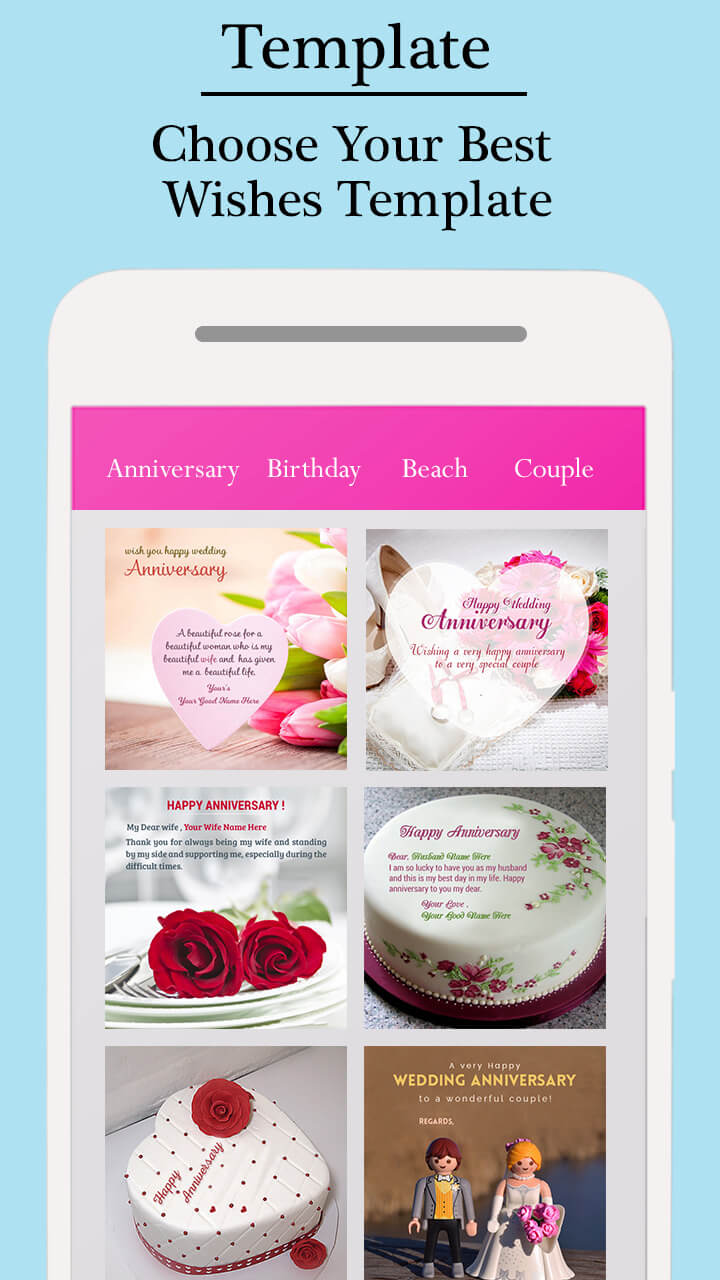
Grids, Collage Maker & Greeting Templates
Tell your story with photo grids, collage layouts and ready-made greeting templates.
Combine photos, name art and stickers into birthday cards, friendship posts or festival greetings. Adjust spacing, corners and aspect ratios for feed posts, stories or status. Save in HD so your collages stay crisp when shared across apps or printed.
- Multiple grid, frame and collage layouts for 1–9 photos
- Adjustable spacing, rounded corners and aspect ratios (1:1, 4:5, 9:16)
- Export JPG or PNG for social sharing and printing
Gallery — Name Art, DP Maker & Collage Designs
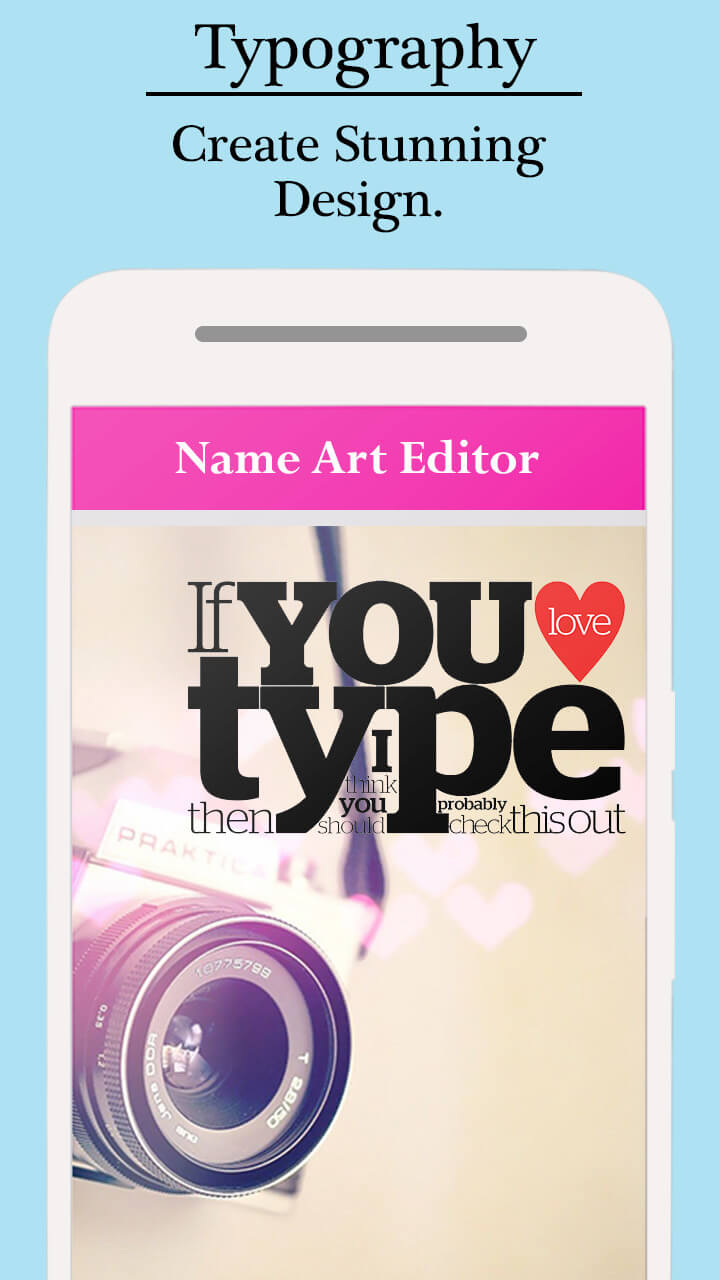
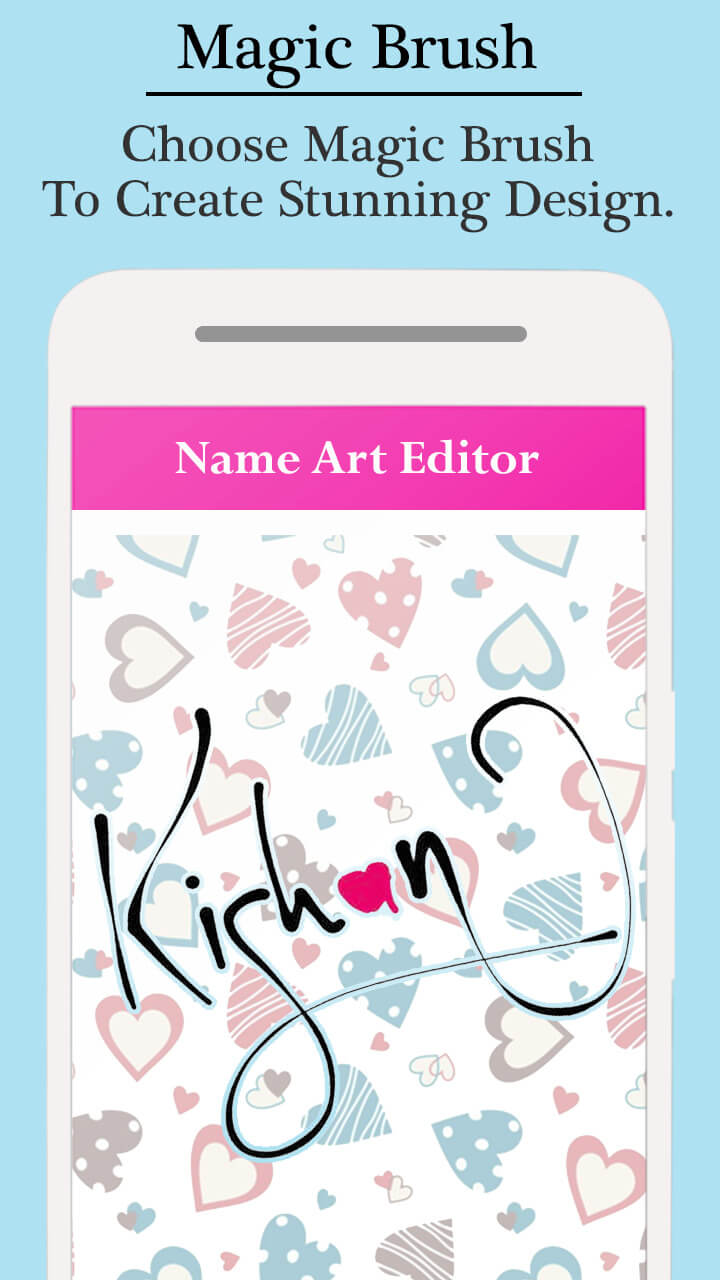
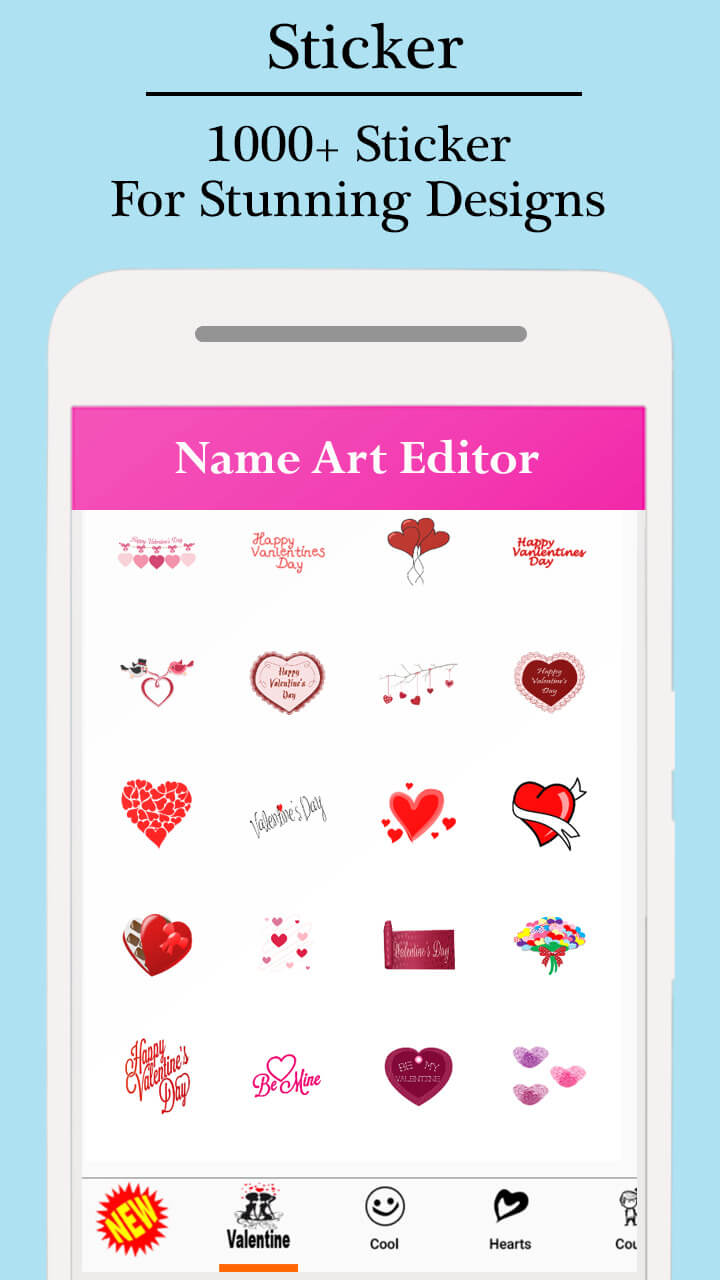
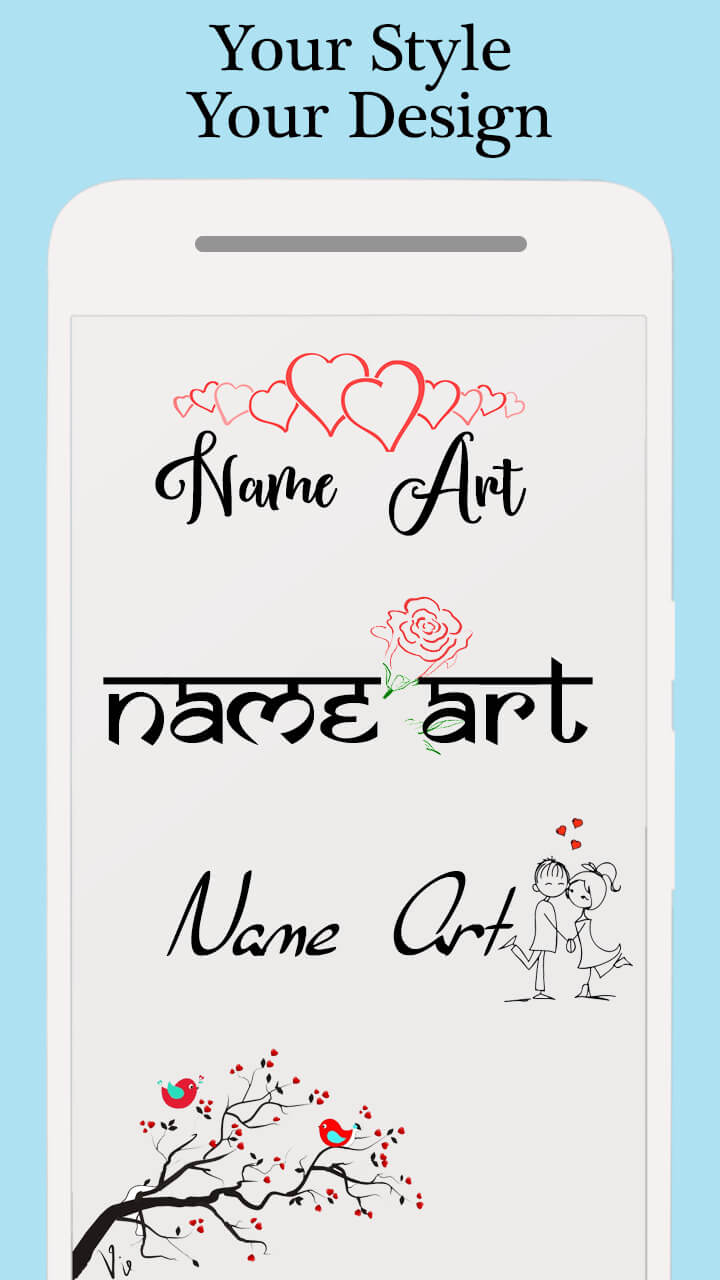
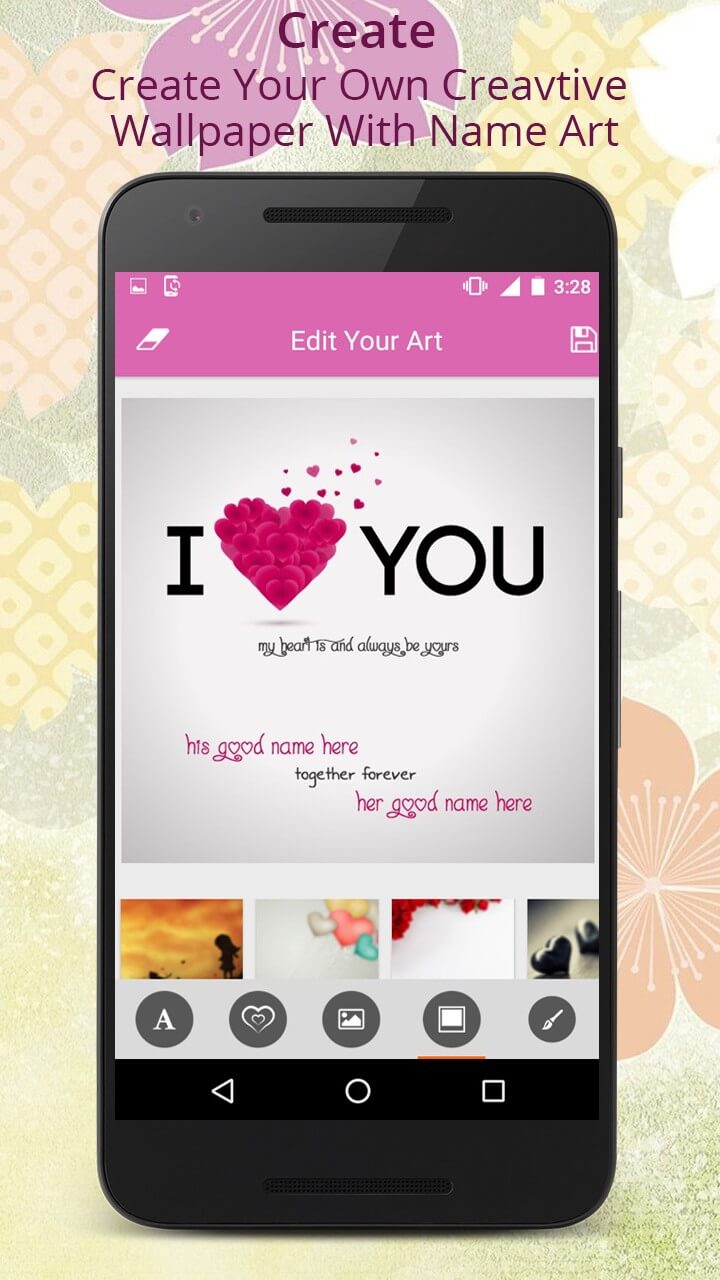
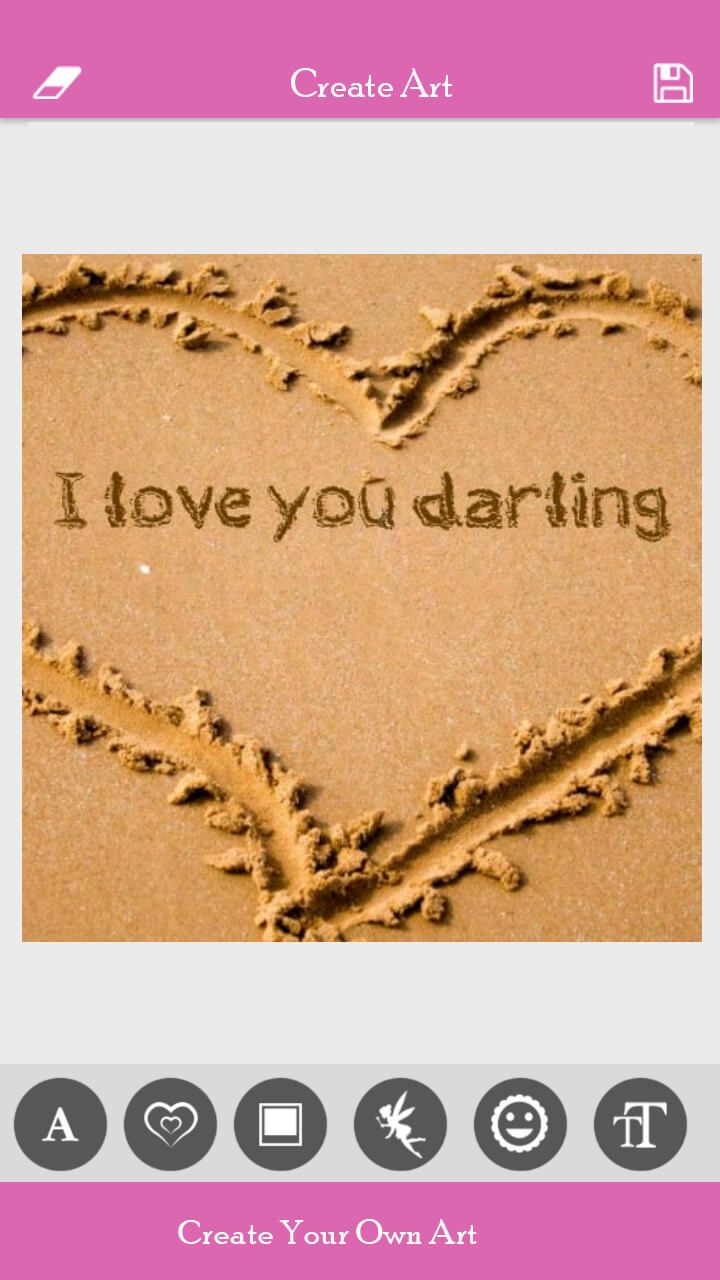
Explore creative designs made with Name Art: Grid, Collage Editor — stylish name art, signature logos, DP layouts, neon & calligraphy text, photo grids & collages, plus stickers, gradients and texture backgrounds. See how simple names turn into shareable profile pictures, birthday wishes and logo-style name designs for social media.



User Reviews & Testimonials — Name Art: Grid, Collage Editor
See why creators, students and social media users love Name Art: Grid, Collage Editor — the all-in-one stylish name maker for Android. From beautiful neon & calligraphy text and DP maker designs to signature logos, photo grids and collage templates, users appreciate how easy it is to create personalized name art in just a few taps. Discover why Name Art is trusted for WhatsApp DPs, Instagram posts, birthday cards and logo-style name designs.

Arpit
Stylish Fonts + Neon Name Art
Absolutely love this Name Art app! The stylish fonts, neon glow effects, and beautiful gradient backgrounds make every name look premium. I created my Instagram DP in just a minute using the fancy text editor and it came out stunning. Best neon name art maker on Android!

Rashmi
Calligraphy + Signature Designs
This is the perfect app for signature-style name art. The calligraphy text, shadows, and stroke effects look super professional. I use it to design quotes, initial logos, and my WhatsApp profile DP. The controls are easy and the fancy text styles are next level!

Swapnil Raj
DP Maker + Decorative Stickers
Name Art: Grid, Collage Editor is amazing! The DP maker, emoji stickers, and gradient color palettes help me create unique profile pictures for all my social apps. The cursive fonts and outline text effects look really cool. Highly recommended!

Ava
Collage Maker + Birthday Name Designs
I used this app to make a birthday name art collage, and everyone loved it! The grid layouts, cute stickers, and fancy name designs make the card look premium. The photo collage maker is very smooth and exports in HD. Perfect for stories and posts!

Samuel
Logo-Style Name Art + Minimal Designs
This app is my go-to for creating logo-style name art. The minimal fonts, shadow effects, and modern gradient backgrounds give a very clean look. I designed my YouTube channel name logo using this, and it looks so professional. Best name art editor ever!
Frequently Asked Questions
Quick answers about Name Art: Grid, Collage Editor — stylish fonts, neon & calligraphy text, DP maker, signature logos, photo grids, collage layouts, privacy, and support.
Yes — Name Art is free to download and you can start creating name art, signatures and DP designs without signing up. Optional in-app purchases unlock premium fonts, stickers, backgrounds and exclusive collage layouts. Create an account later only if you want to sync or restore purchases.
Choose a background (photo or gradient), type your name or quote, then apply fancy fonts, neon glow, calligraphy styles, outline, and shadow effects. Use curved text and stickers to build a unique signature or logo-style name design.
Yes! The built-in DP maker lets you create circular or square profile images, add initials, frames, and decorative elements, then export in high quality for WhatsApp, Instagram, Facebook, and other social apps.
Select a grid or collage layout, add photos, and style with name art, stickers and background textures. Use popular aspect ratios (1:1, 4:5, 9:16) to make birthday cards, festival greetings or story posts ready to share.
Yes, most tools such as fonts, stickers, backgrounds and templates work offline after initial download. For new packs and updates, staying online occasionally is recommended.
Ads keep core tools free for everyone. To remove ads and unlock extra fonts, stickers, textures and premium templates, simply upgrade using the in-app purchase options or the Google Play store page.
All name art and image edits stay on your device unless you choose to share them. We request only essential permissions such as storage and camera. For details, see our Privacy Policy.
Use the in-app Help & Support option or the website Contact form. Include your device model, Android version, app name & version, and a short screen recording if possible. You can also email our support team at care.formationapps@gmail.com.
Contact
Questions, feedback, or partnership ideas? We’d love to hear from you.
Address
India • Serving users worldwide
Support Hours
Mon-Sat, 10:00-18:00 IST
Email Us
For bug reports, include device model, Android version & app version.